


Video Templates
Choose a template to quickly start your AI creation journey.


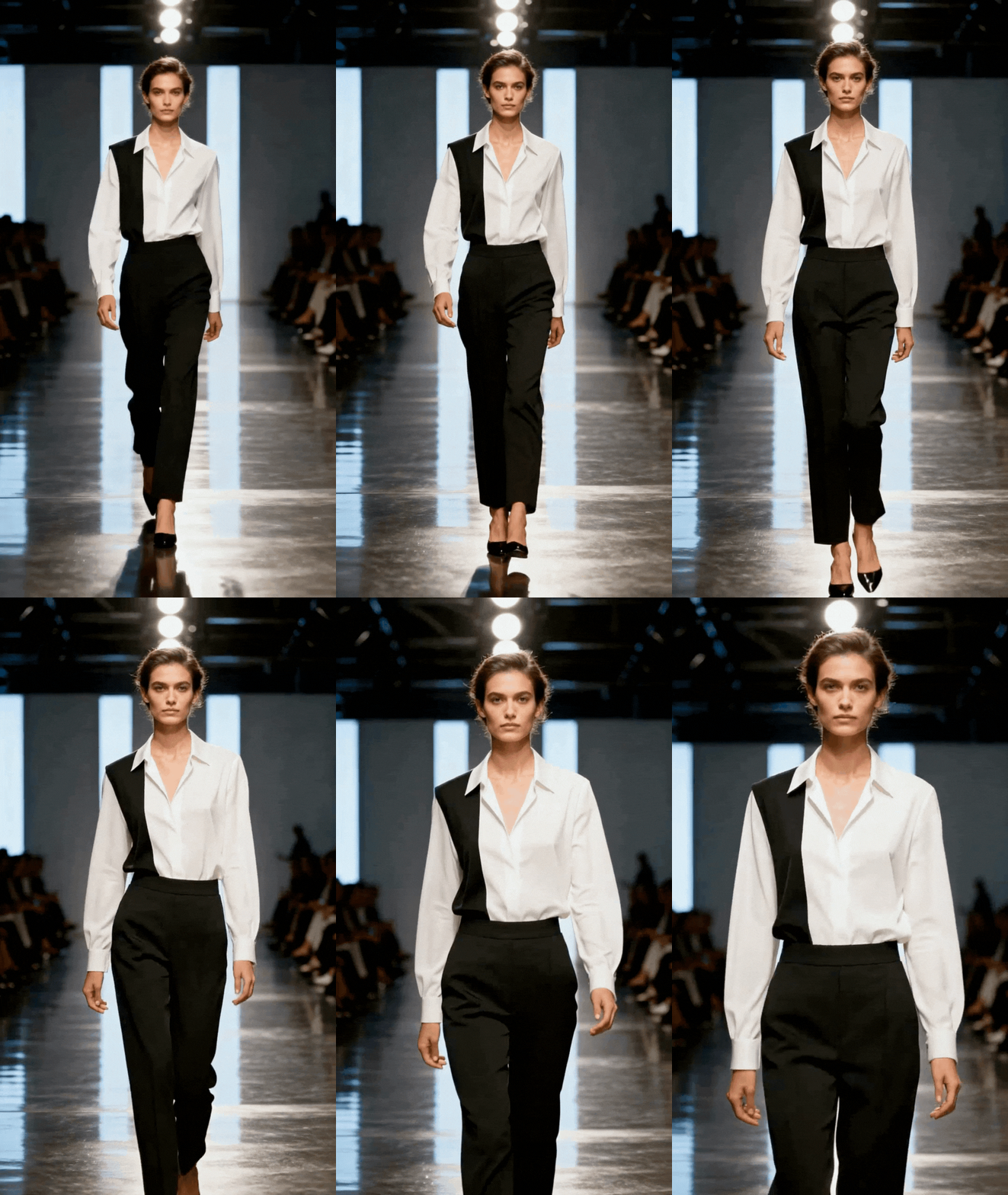
Quickly Create High-Quality Videos with Template Application
Gen Ape focuses on template application, allowing users to quickly complete the basic video structure and rhythm configuration for various video production scenarios. This streamlines the video creation process, focusing on efficiency.
- Diverse Video Templates: Includes templates for common marketing applications such as cinematic camera movements, e-commerce, ads, and more.
- Platform-Independent: Not tied to any specific platform. Create videos for social media reels, YouTube, TikTok, and more in no time.
- Simple and Easy-to-Use: Just three simple steps to generate videos using AI video templates.
- Stable Output Specifications: Supports up to 720P resolution, with video dimensions based on the aspect ratio of your material.
- Ideal for Mass Production: Fixed process and consistent quality, reducing production time and operating costs.
Create Cinematic-Quality Camera Movements with AI Video Templates
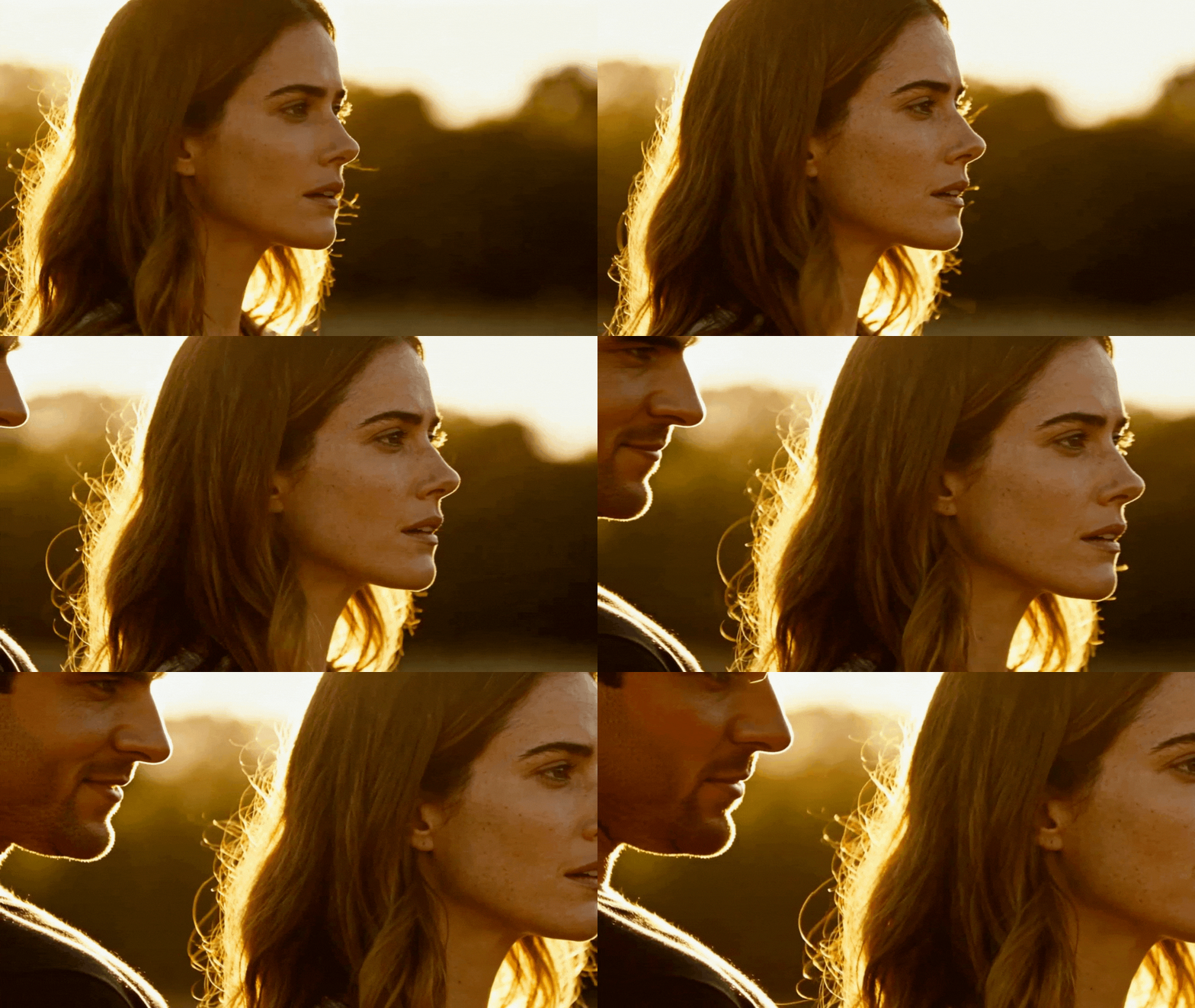
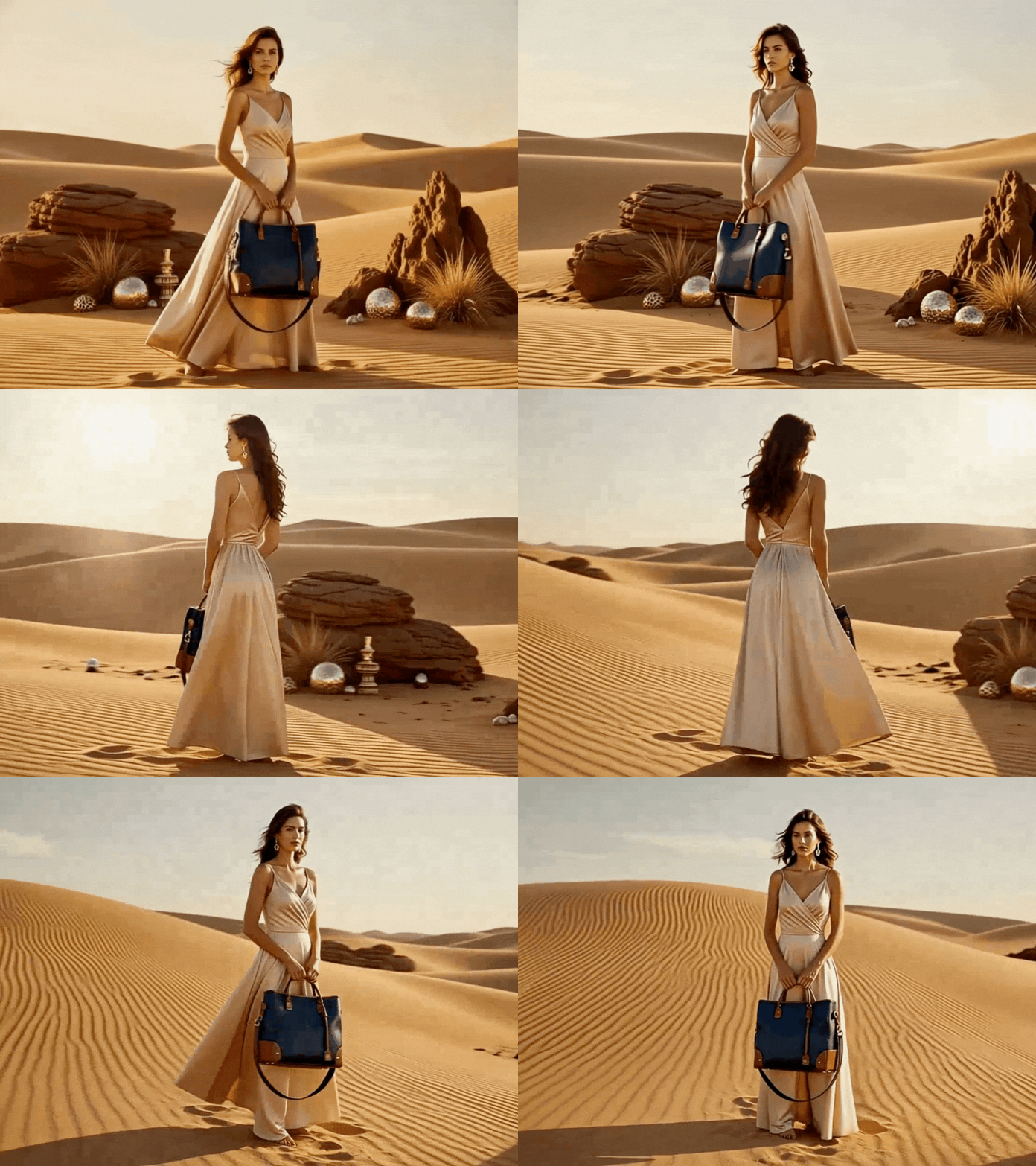
Gen Ape's AI video templates integrate cinematic camera movements into the template design. By using AI to deeply analyze the subject, foreground and background layers, and composition ratios, the system applies various push-in, pull-out, and transition rhythms, giving static images a smooth, layered dynamic effect.
No editing experience is required—simply apply an image to the video template, and AI will instantly complete the camera movements and visual rhythm configuration. Compared to traditional video templates, which require manual adjustments to keyframes, Gen Ape eliminates this complex process, enabling templates to deliver high-quality visuals with a 3D spatial feel.
Select a video template for your image, and you can quickly create a professional, cinematic-quality video with minimal effort, lowering production barriers while enhancing overall visual quality.
Template-Only Design for Efficient Video Production
Unlike editable video template tools, Gen Ape AI uses a "pure video template application" design, allowing you to complete your videos in the shortest time possible. Gen Ape handles the "visuals and rhythm" for you, leaving the final creative control in your hands. There's no need to deal with complex editing settings or repeatedly adjust timelines and pacing. Simply upload your images, apply them to the AI video template, and you're good to go. This is perfect for scenarios that prioritize speed and consistent quality, making video production a streamlined and hassle-free process.
Multiple Free Video Templates for Various Scenes, One-Click Application for Quick Completion
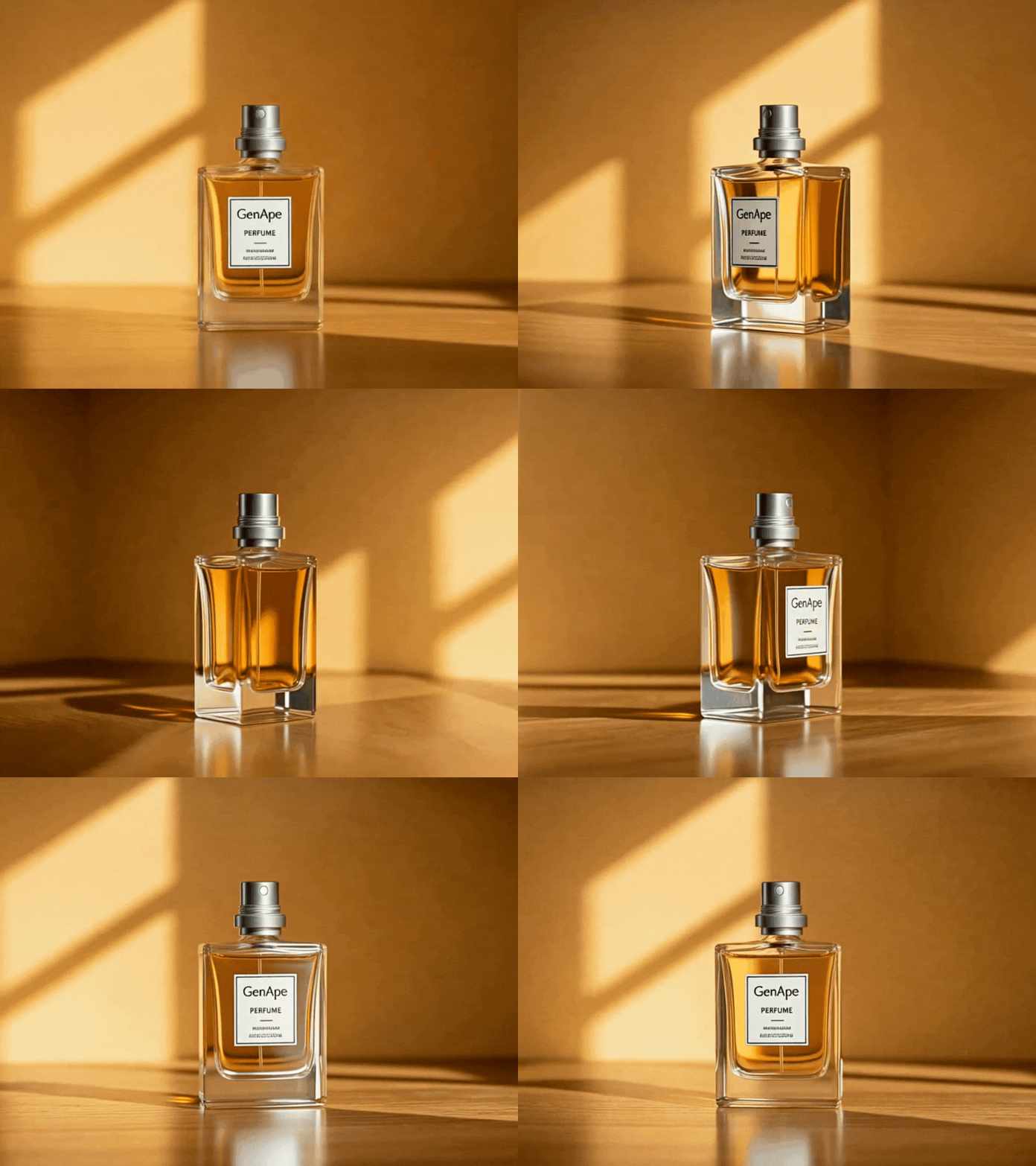
From everyday life to e-commerce and social media applications, Gen Ape's AI video templates cover a wide range of creative needs. Whether you're creating social media shorts, brand introductions, product promotions, or event teasers, you'll find the perfect video template for any use case. With the template-based video creation process, you can quickly complete videos while significantly reducing the time spent on decision-making and editing. The fixed template logic streamlines production, making video creation more efficient and simple.
Gen Ape AI Video Template Application Steps

Select a Template
Choose a template you want to apply to your image.

Upload Image
Upload your image to the selected template and click "Generate."

Download Video
Once the video is generated, preview the template video and download it for saving.
Frequently Asked Questions About Video Template Application
What scenarios are Gen Ape video templates suitable for?
Gen Ape video templates are primarily designed for marketing content, social media materials, and e-commerce displays. They are ideal for situations that require the quick production of multiple videos, where video creation efficiency and visual consistency are key priorities.
How do I choose the right video template to apply?
You can select a video template based on the template types offered by Gen Ape or use the "Search Templates" feature to find the most suitable template for your image.
Can I use Gen Ape’s video templates without any editing experience?
Yes, you can. Gen Ape uses a pure video template application process, which means you don't need additional editing skills. The AI technology automatically generates the video for you.
Do the video templates include music or subtitles?
Gen Ape video templates do not include music or subtitle editing features. The templates focus on visual camera movements and rhythm configuration. Once the video is generated, you can make additional adjustments as needed.

