


Scene Zoom Out
Pull the camera back to make the scene wider, suitable for showing a larger background or environment.
 Requirements
Image Upload
Supported file formats: JPG, PNG, WebP
Maximum file size: 10 MB
 This template will automatically identify the subject and remove the background. Photos with clear subjects are recommended for best results.
Results Showcase
My Creations


Scene Expansion (Zoom Out) | AI‑Powered Zoom‑Out Video Effect
Break free from the limits of your image borders and let your visuals expand with cinematic flair. With GenApe’s AI Zoom‑Out Motion Template, a single photo transforms into a dynamic pullback shot — simulating a professional camera zoom‑out with smooth AI motion and intelligent background generation. Whether you're aiming for epic scale or a surprise reveal, it's all just one click away.
Don't Miss Out: The Power of GenApe’s Scene Expansion AI Template
Create stunning zoom‑out videos from a single image — no pricey effects, no satellite footage required. GenApe makes it simple to generate wide‑angle cinematic scenes with fluid AI motion and high visual quality. From detail to full context, every transition is seamless.
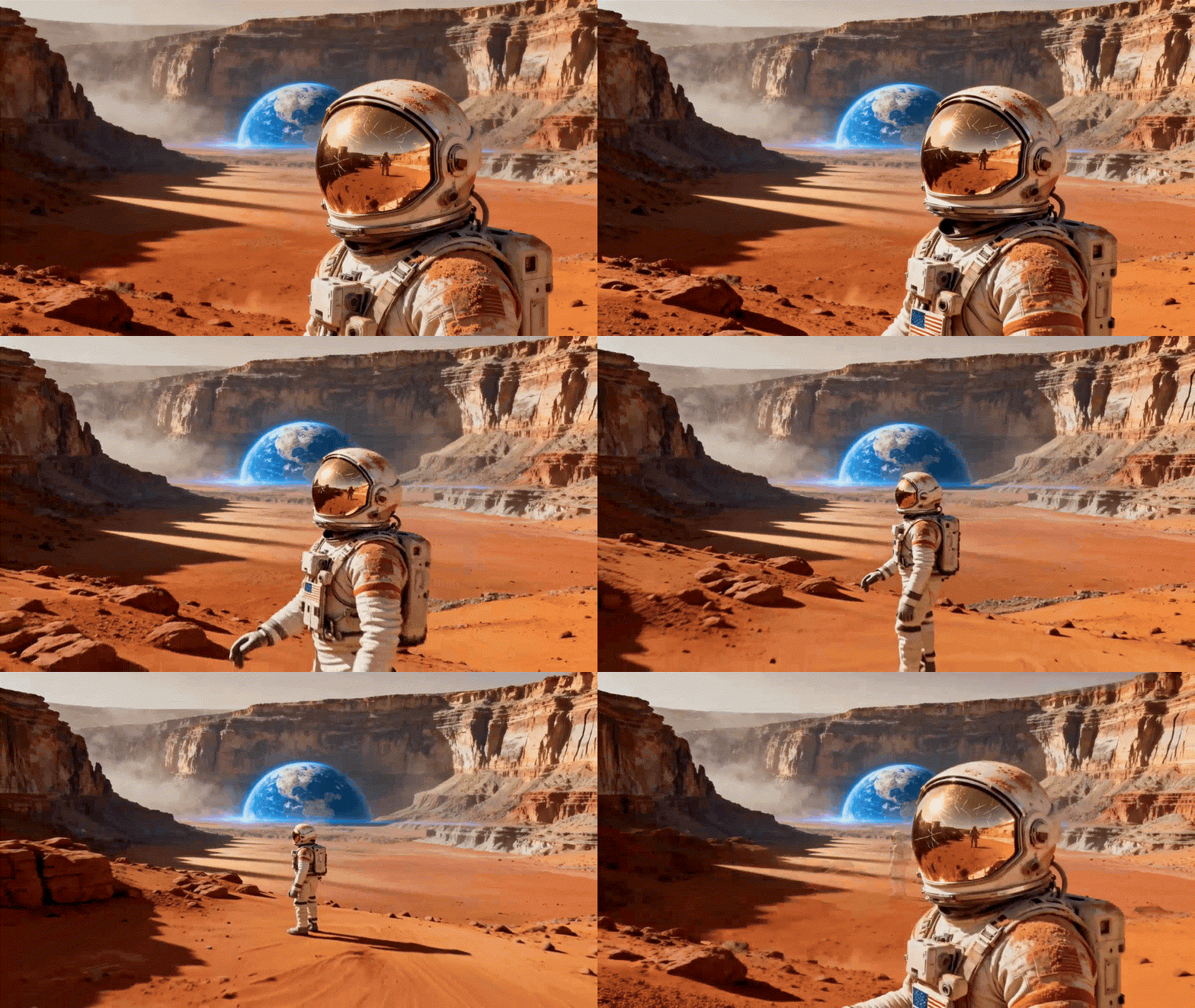
Auto‑Expand Backgrounds for Unlimited Perspective
Worried about hitting the edge of your image? Don’t be. GenApe’s AI expands your photo beyond its original borders, generating seamless background extensions that match the style and tone of the original — creating a true scene expansion effect.
Simulated Film‑Style Zoom for Cinematic Depth
By adjusting the ratio of foreground to background during the zoom‑out, GenApe creates real depth and scale. The result? A cinematic perspective shift that feels straight out of a big‑screen production.
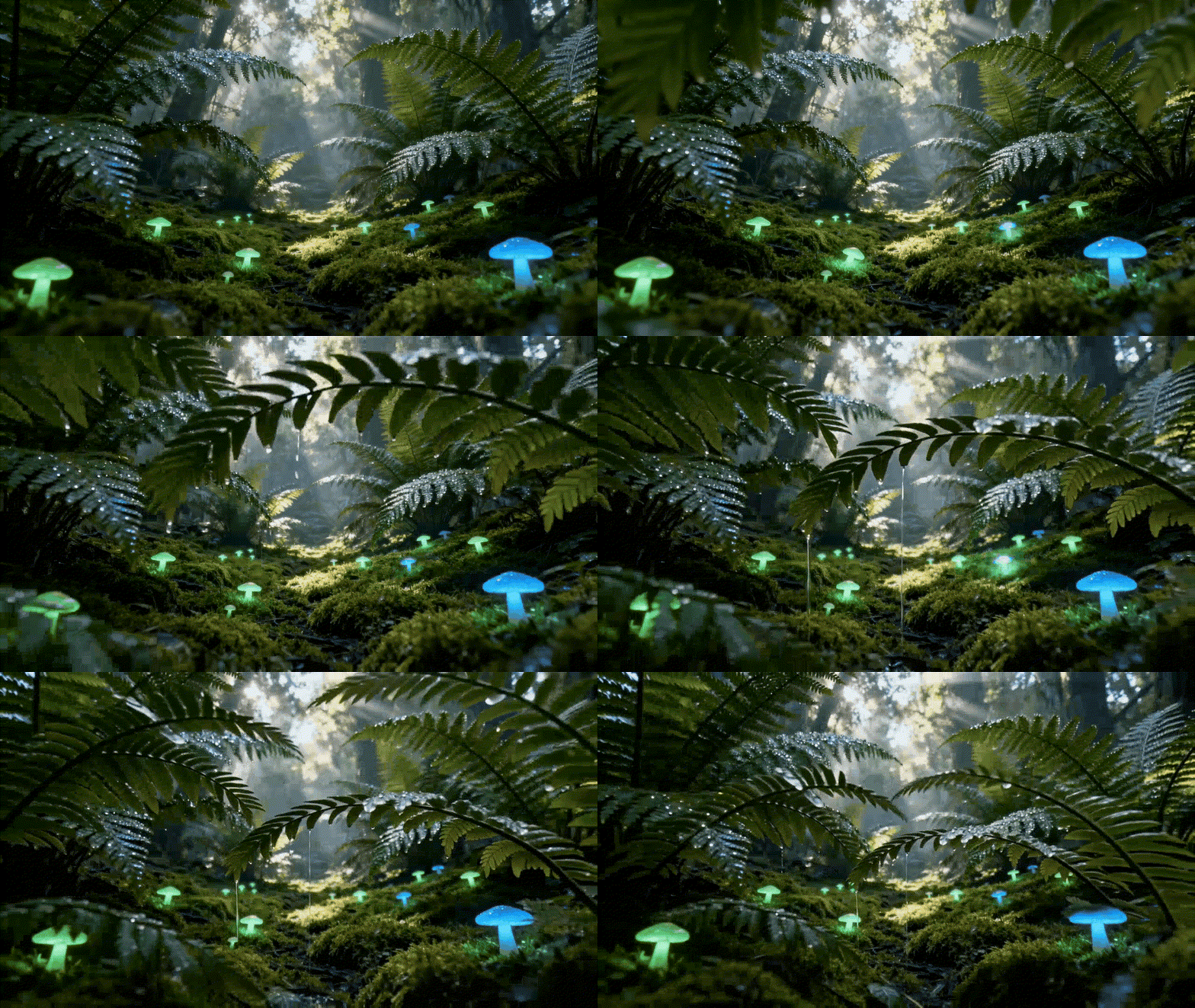

Smart Composition Correction for Balanced Shots
The AI continuously tracks your image’s focal point and automatically adjusts the composition to maintain visual balance — even as the background expands. Your subject stays sharp and centered, never out of focus.
Create a Pro‑Level Zoom‑Out Video in 3 Easy Steps

Upload Your Key Image
Select the image you want to zoom out from (max 10MB).

Choose Your Duration
Pick 5 or 10 seconds for your final video.

Download & Share
Once rendered, your zoom‑out video is ready to use or post.
Versatile Use Cases — From Close‑Ups to Grand Reveals
Break free from the frame — a smooth zoom out transition pulls the viewer from close up focus to a wide, expansive view. This shift not only adds dramatic spatial depth, but also gives your visuals a powerful sense of narrative. Perfect for any project that needs bold, cinematic energy.
Brand Storytelling
Start tight on your brand logo or product feature, then pull back to reveal the full message. Perfect for building a visual journey from micro to macro.

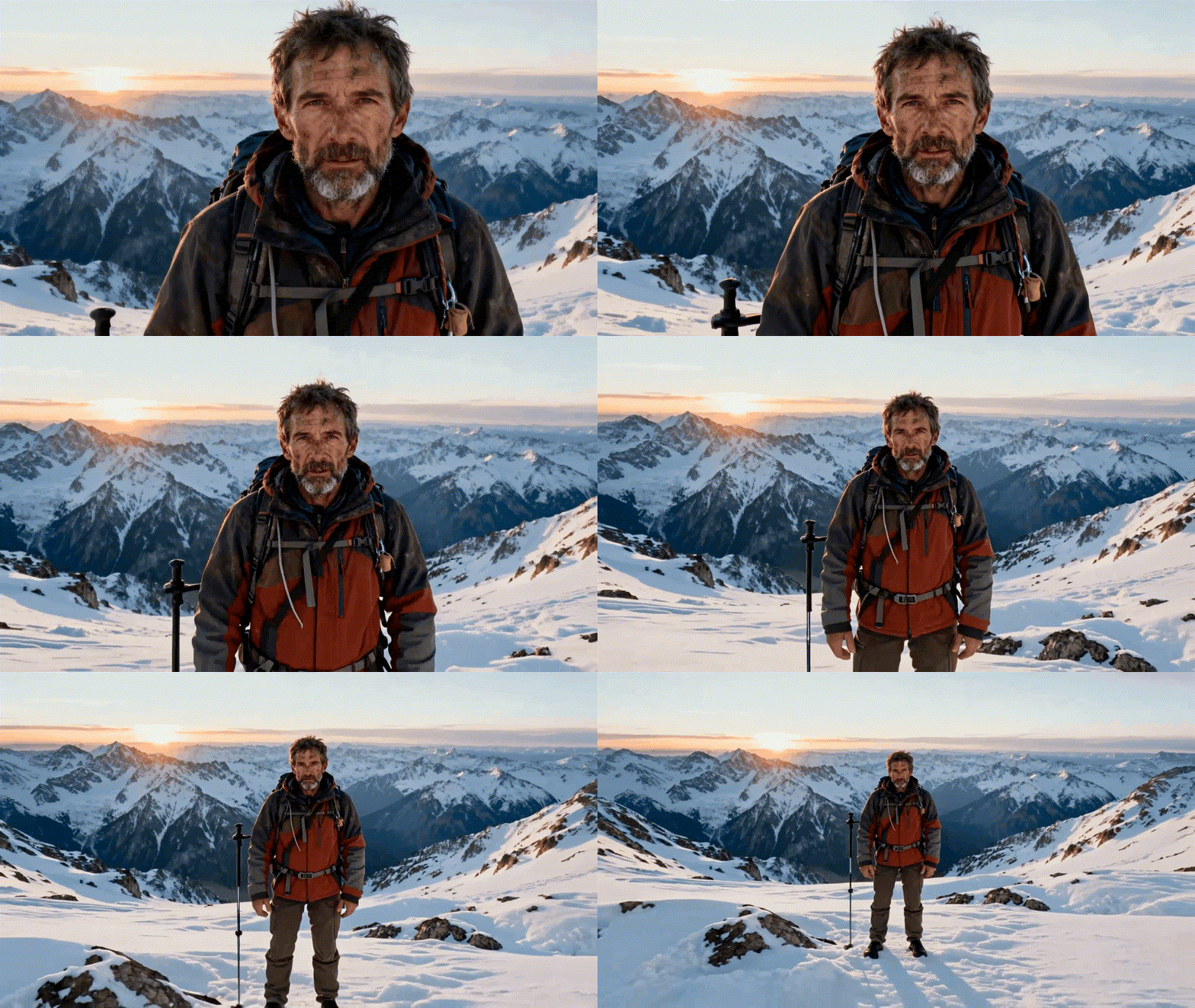
Epic Landscapes
Zoom out from a central subject to showcase sweeping surroundings — nature, architecture, or environment — and create a stunning wide‑angle effect.
Surprise Reveals
Use a dramatic pullback to uncover hidden background elements and surprise your audience. Perfect for dynamic storytelling or interactive reveals.

FAQs About the AI Scene Expansion Effect
Can this create an Earth Zoom‑Out effect?
Definitely. Upload a close‑up image of the Earth, and GenApe simulates a satellite lift‑off — a powerful Earth Zoom‑Out transition from surface to space.
What if my image doesn’t have a full background?
That’s the magic of GenApe. Our AI expands the image with matching background generation, creating a seamless extension beyond the original frame.
Is the Zoom‑Out video suitable for commercial use?
Absolutely. All GenApe Zoom‑Out videos are safe for eCommerce, branding, ads, and social media campaigns.
Will the quality drop during zoom‑out rendering?
Not at all. GenApe enhances image clarity throughout the zoom process to maintain sharp resolution from start to finish. For best results, start with a high‑quality, clear image.
What types of images work best for zoom‑out effects?
Centered subjects with room for background extension work great — portraits, product shots, or architectural photos are ideal for immersive scene expansion.

