


Horizontal Pan Left to Right
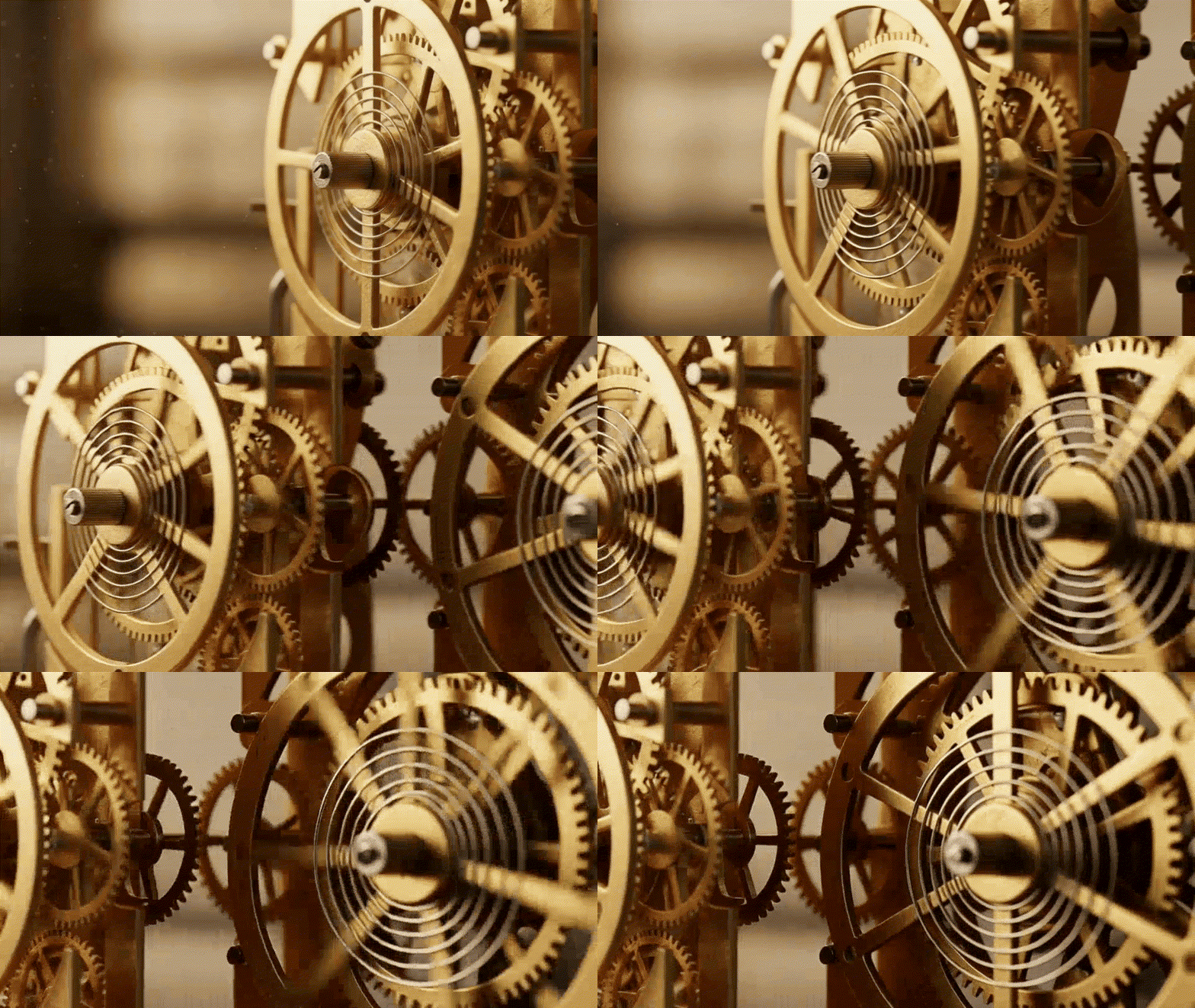
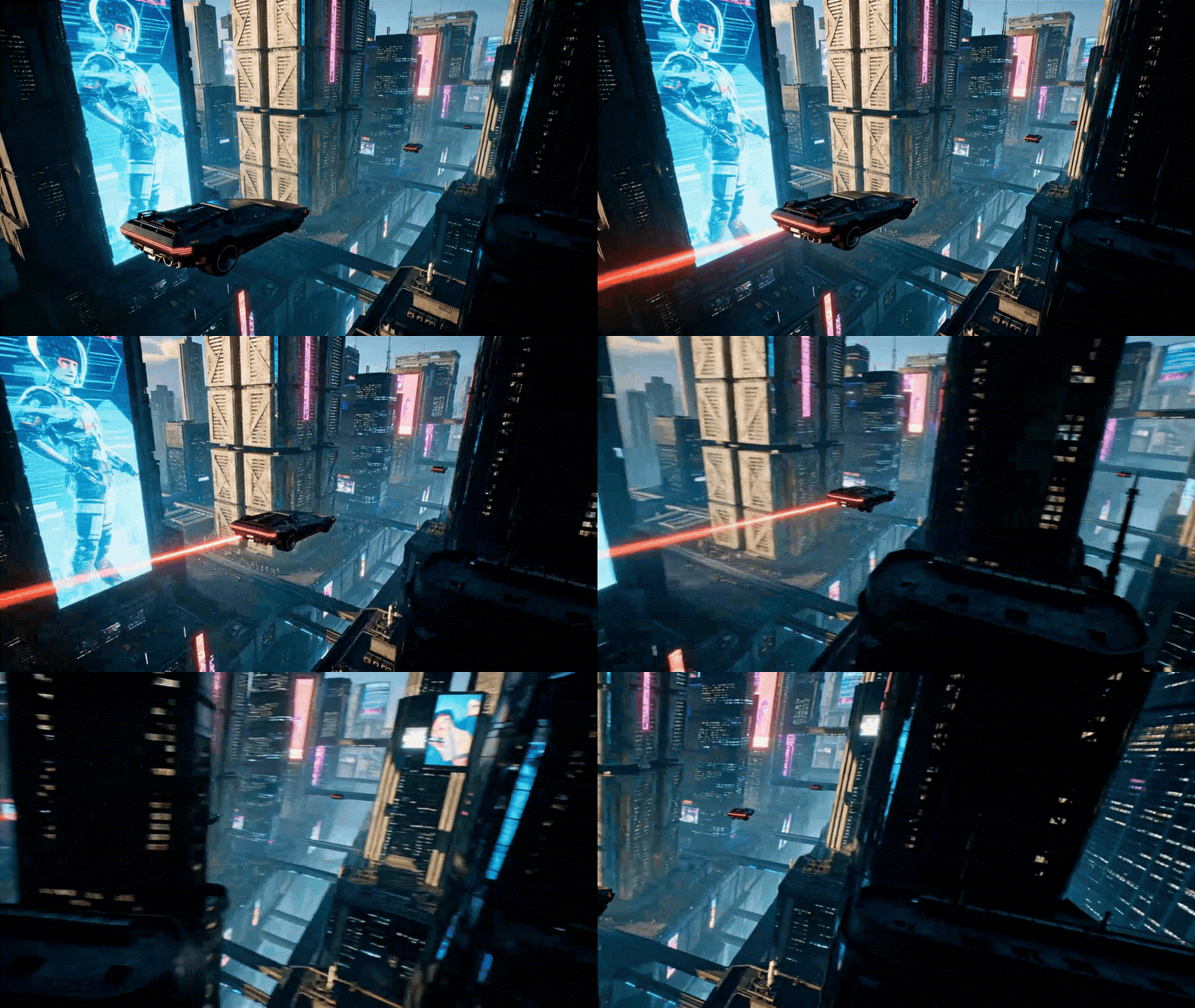
Camera moves horizontally to the right, emphasizing dynamic perspective or object transition, adding depth.
 Requirements
Image Upload
Supported file formats: JPG, PNG, WebP
Maximum file size: 10 MB
 This template will automatically identify the subject and remove the background. Photos with clear subjects are recommended for best results.
Results Showcase
My Creations


AI Pan Right Template: Cinematic Camera Pan Movement
Instantly generate a smooth pan right effect with GenApe. Transform static images into immersive narratives using precise pan movement. Create a professional panning shot video without editing skills—experience the ultimate horizontal pan tool today.
Unlock Visual Storytelling with a Horizontal Pan
Instantly apply the AI pan shot effect to automatically activate discovery mode.

Create an Immersive Panning Shot Video with Natural Flow
GenApe AI’s horizontal pan moves left-to-right, perfectly matching natural visual scanning. This perspective brings viewers into the scene, unveiling the story's beginning.
Cinematic AI Pan Right Effect: Bring Static Images to Life
GenApe’s AI analyzes image composition to generate the optimal pan movement, adding sophisticated depth so images are no longer just flat 2D surfaces. As the camera pans right, lighting and perspective shift naturally—creating a cinematic experience, just like in this panning shot example.
Achieve a Shake-Free Horizontal Pan: No Gear Needed
Skip the professional camera sliders and complex editing skills. Forget about stabilizing shaky footage in post-production. Simply upload your image to GenApe’s pan right template to ensure consistent, high-end quality with smooth pan movement.
How to Create a Panning Shot Video in 3 Steps

1. Select the Pan Right template and upload your image.

2. Click "Generate" and let the AI create your video.

3. Preview the smooth horizontal pan result instantly, then download and save.
Apply the Pan Right Effect to Any Image Type
The horizontal pan is a classic technique in cinematography. By using our pan right template, you can transform ordinary static photos into cinematic opening scenes that unveil your story.
Epic Landscapes: Capture the View with a Camera Pan
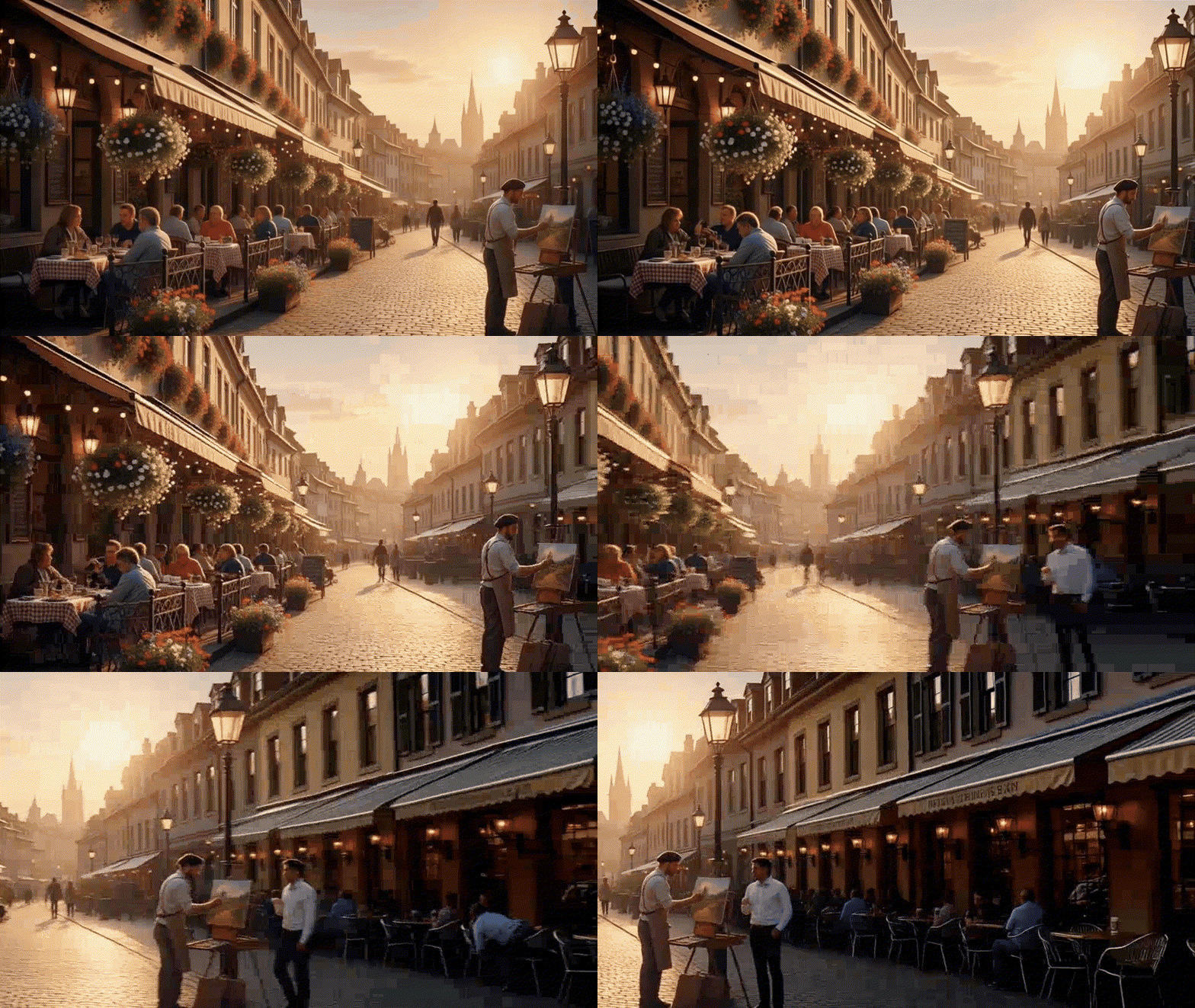
From towering peaks to sweeping seascapes, the Pan Shot template breaks the limits of static composition to reveal boundless visual impact. As the horizontal pan unfolds the scenery, it immerses viewers in the serenity of nature.

Immersive Space Design: Explore with a Horizontal Pan
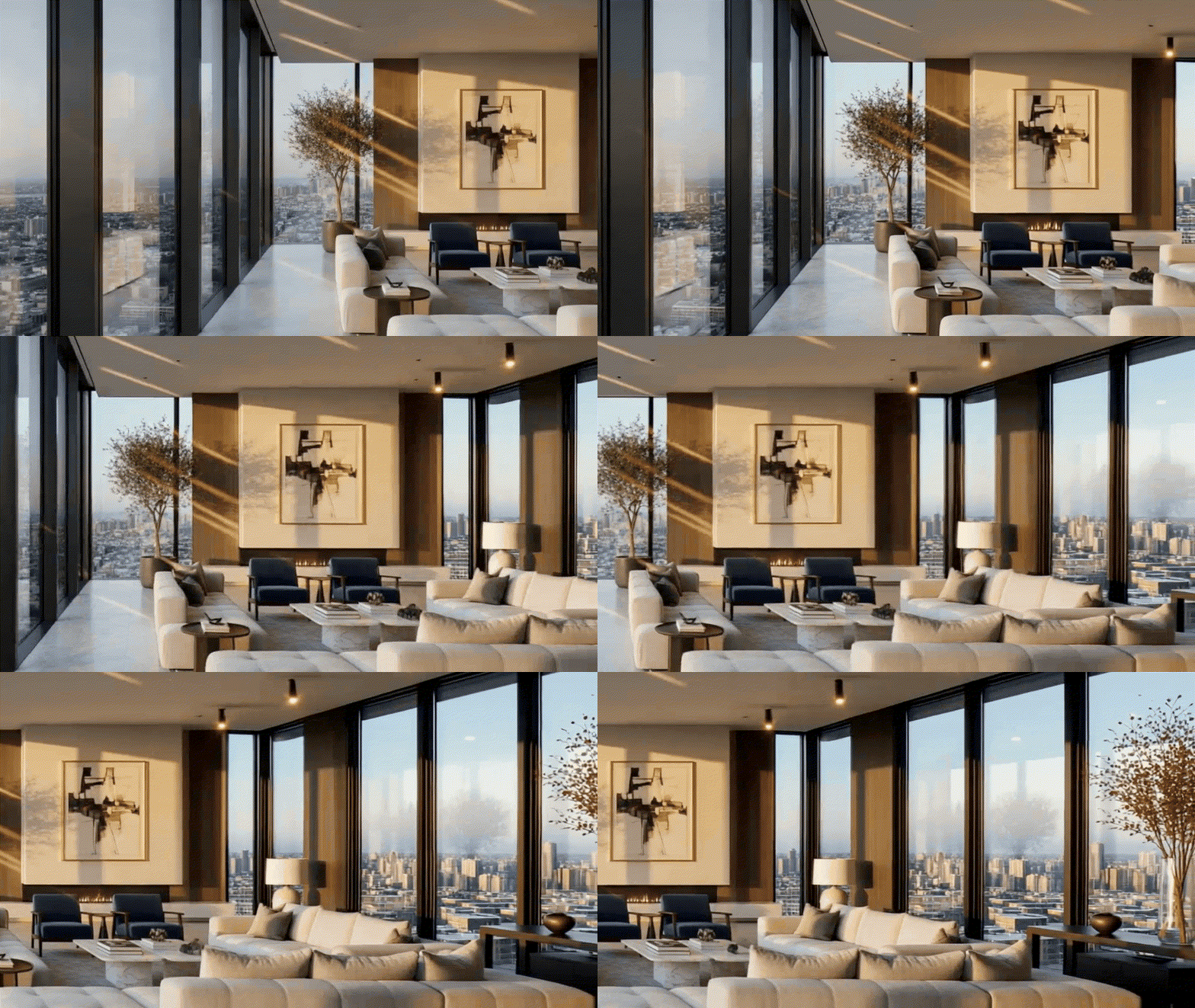
Explore every corner with a smooth pan right motion. Witness the dynamic interplay of light and depth during the pan movement, creating an immersive experience just like a virtual tour.
Unveil the Story with a Cinematic Pan Shot
Leverage natural visual flow with a horizontal pan to add a dramatic reveal. Transform dull, static photos into narrative-driven opening scenes that build anticipation.
FAQ: Pan Right & Camera Movement
Do I need to manually adjust the speed of the pan movement?
No. GenApe’s pan right template uses deep learning to analyze your image structure. It automatically determines the optimal pace to generate a smooth, natural-looking panning shot video.
How do I prevent image distortion during the camera pan?
To ensure the best quality, we recommend uploading photos with a clear, well-defined subject. This helps the AI maintain structural integrity and prevents distortion as it simulates the camera movement.
What is the difference between Pan Right and Pan Left?
Pan Right follows the natural reading direction (left-to-right), making it ideal for opening scenes that build anticipation and excitement. Conversely, Pan Left often creates a sense of retrospection or review. Each pan shot serves a distinct narrative purpose depending on your story.

