


Slow Zoom In
Classic slow zoom-in, suitable for showing the grandeur of scenery or emphasizing subject details. Just upload a static image.
 Requirements
Image Upload
Supported file formats: JPG, PNG, WebP
Maximum file size: 10 MB
 This template will automatically identify the subject and remove the background. Photos with clear subjects are recommended for best results.
Results Showcase
My Creations


Slow Zoom In Effect | AI Zoom In Video Generator
This isn’t just zooming — it’s about drawing your viewer’s attention with cinematic depth. With GenApe AI camera motion technology, your flat photos come alive with a professional “push‑in” look, giving your content a film‑like zoom in quality with just one click.
Must Try! Key Benefits of the Slow Zoom In AI Template
Instead of wrestling with complex editing apps or basic filter tools, GenApe gives you a faster, easier way to create stunning AI zoom videos. With simple controls, anyone can make movie‑quality AI zoom effects with zero editing skill.
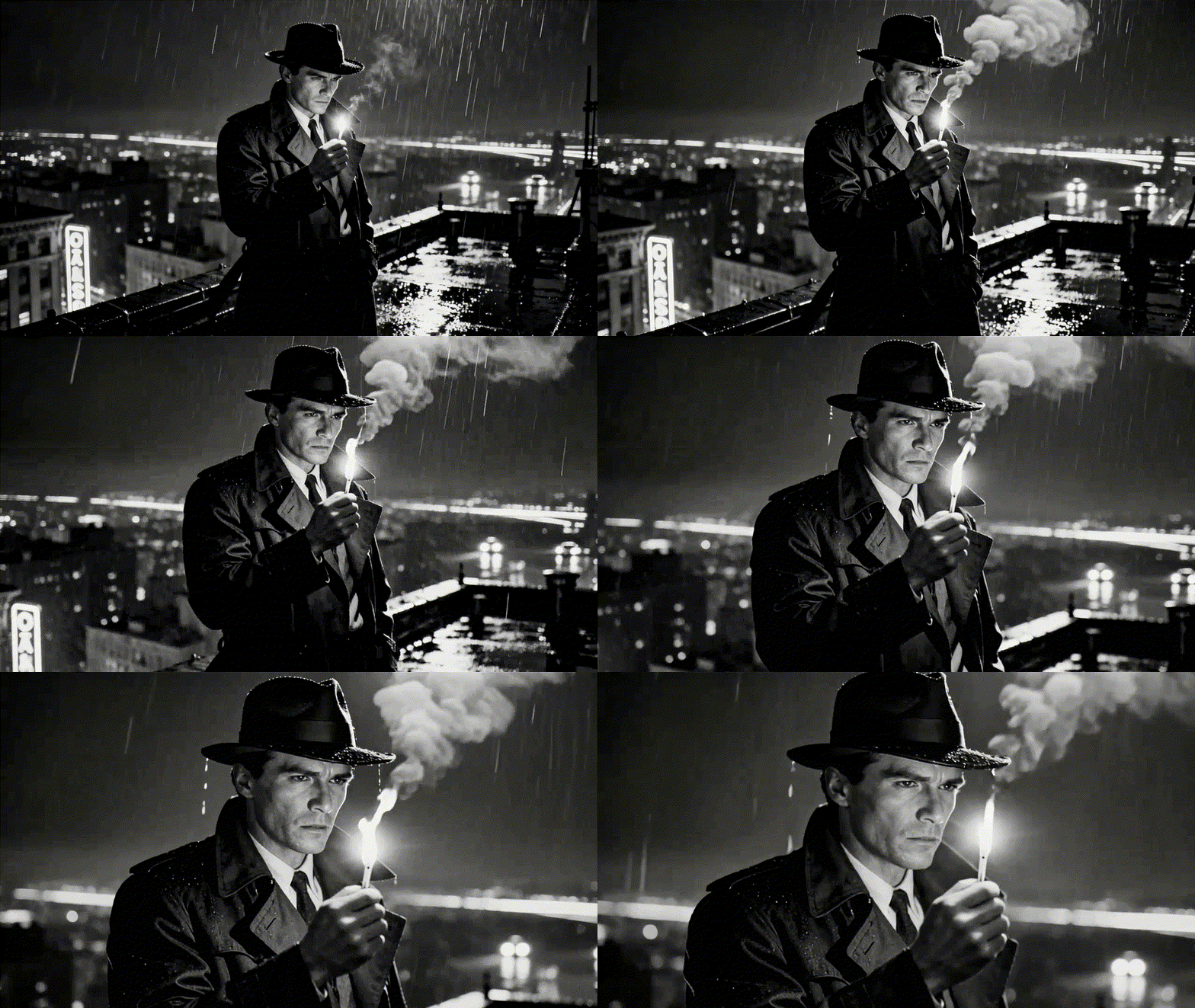
Smart Subject Detection Keeps the Focus Tight
AI automatically finds what matters most in your image — faces, products, buildings — and locks the zoom path on your subject so it doesn’t drift off target.
Smooth Motion in Milliseconds for Authentic Story Flow
Forget stiff keyframes. GenApe mimics real camera movements with buttery‑smooth dynamic zoom transitions for that high‑end cinematic feel.

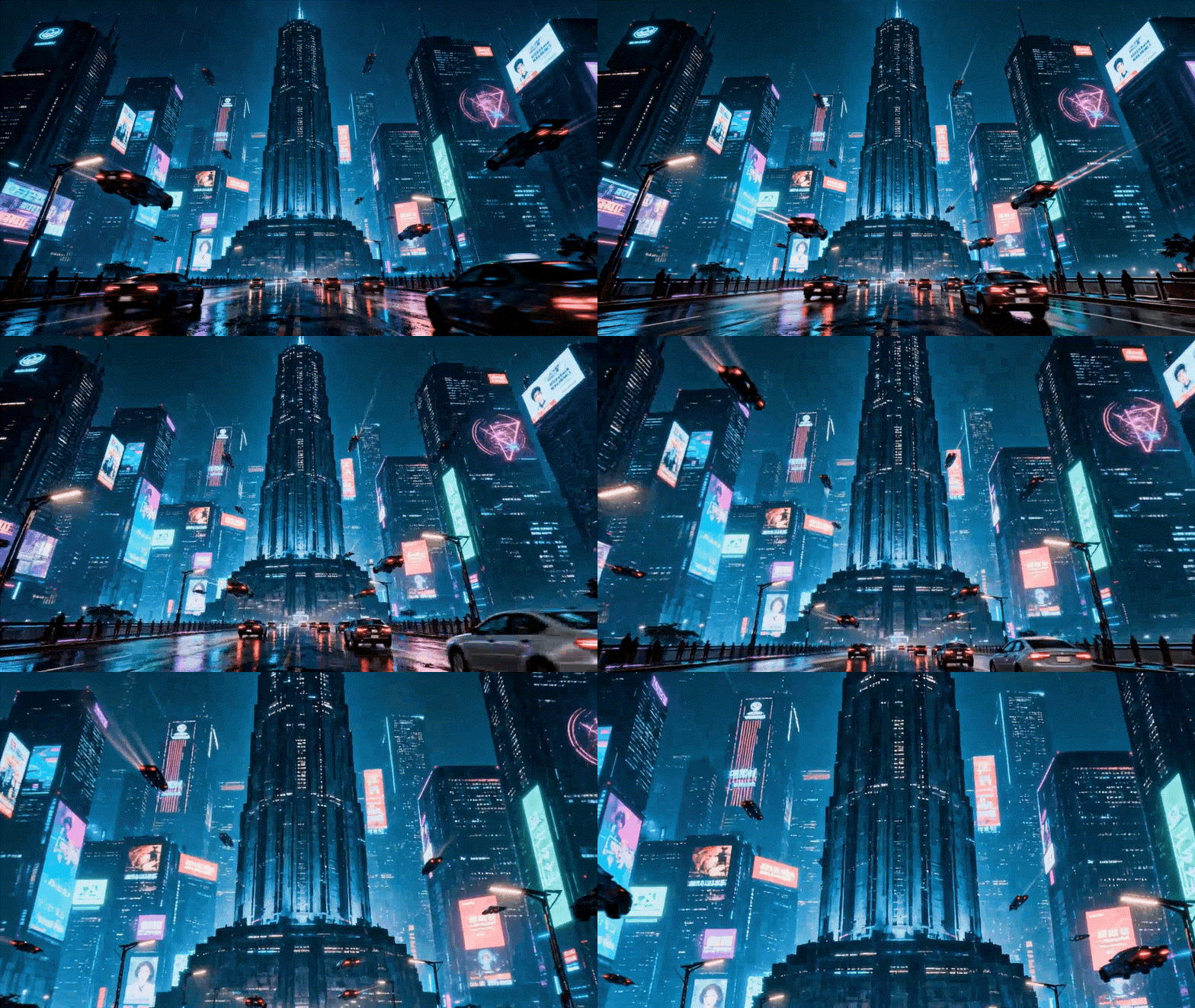
High Resolution, No Blur — Zoom Without Losing Detail
Worried zooming in will make your photo fuzzy? GenApe AI does real‑time image enhancement while zooming, keeping every detail sharp and crisp.
3 Steps Make a Pro Zoom In Video

Upload Your Photo
Choose the image you want to zoom in on (up to 10 MB).

Pick Your Duration
Select the video length (5 sec or 10 sec).

Download & Share
Once finished, download your AI‑powered zoom in video.
Where You Can Use It: Personal to Professional
Just upload an image and apply the slow zoom AI template — no skills needed. Whether you’re an individual creator or a business user, a zoom in effect adds polish and professionalism to your content.
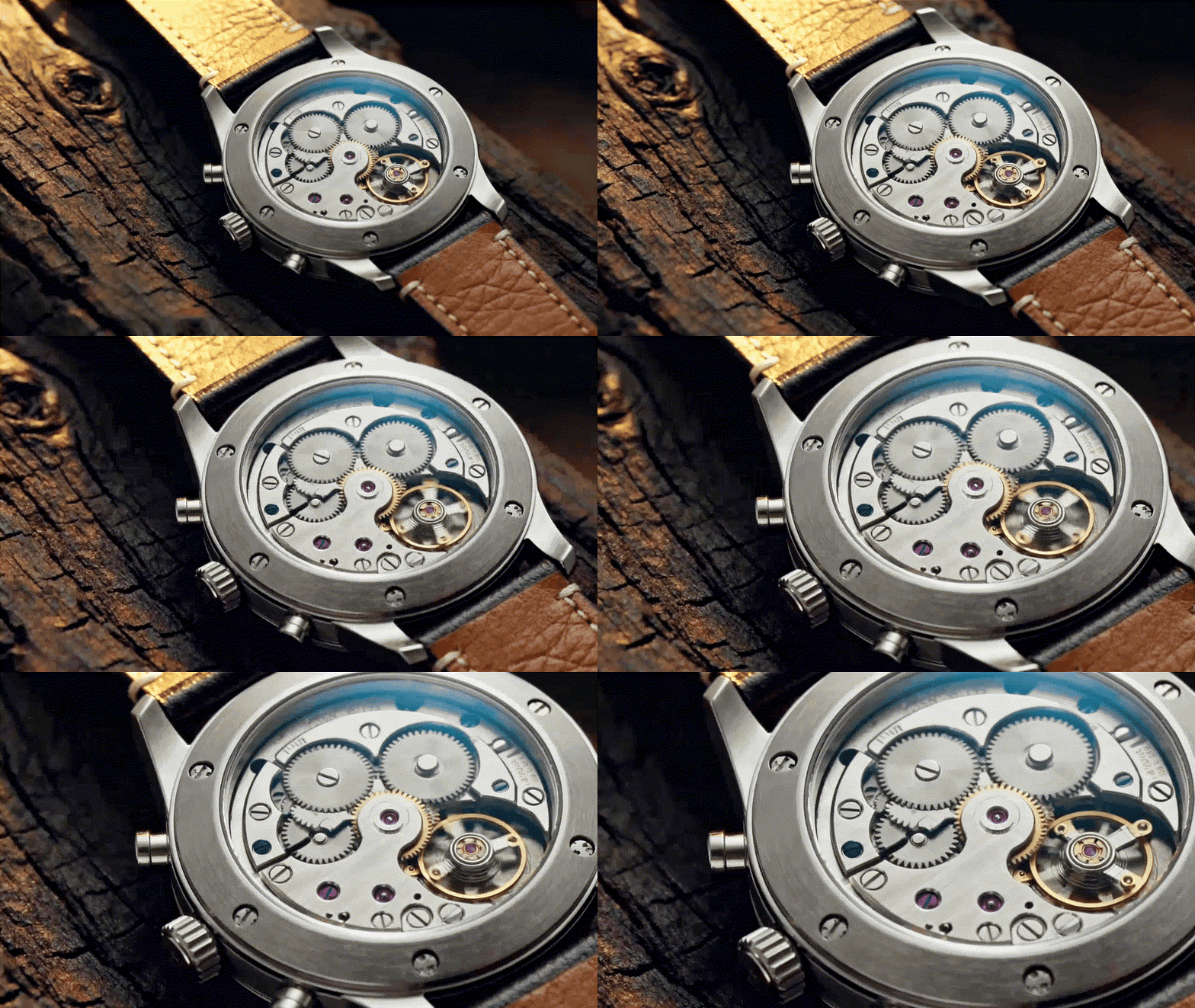
E‑Commerce Marketing
Use AI motion to guide viewers’ eyes to key product features or craftsmanship, boosting perceived value and purchase intent.
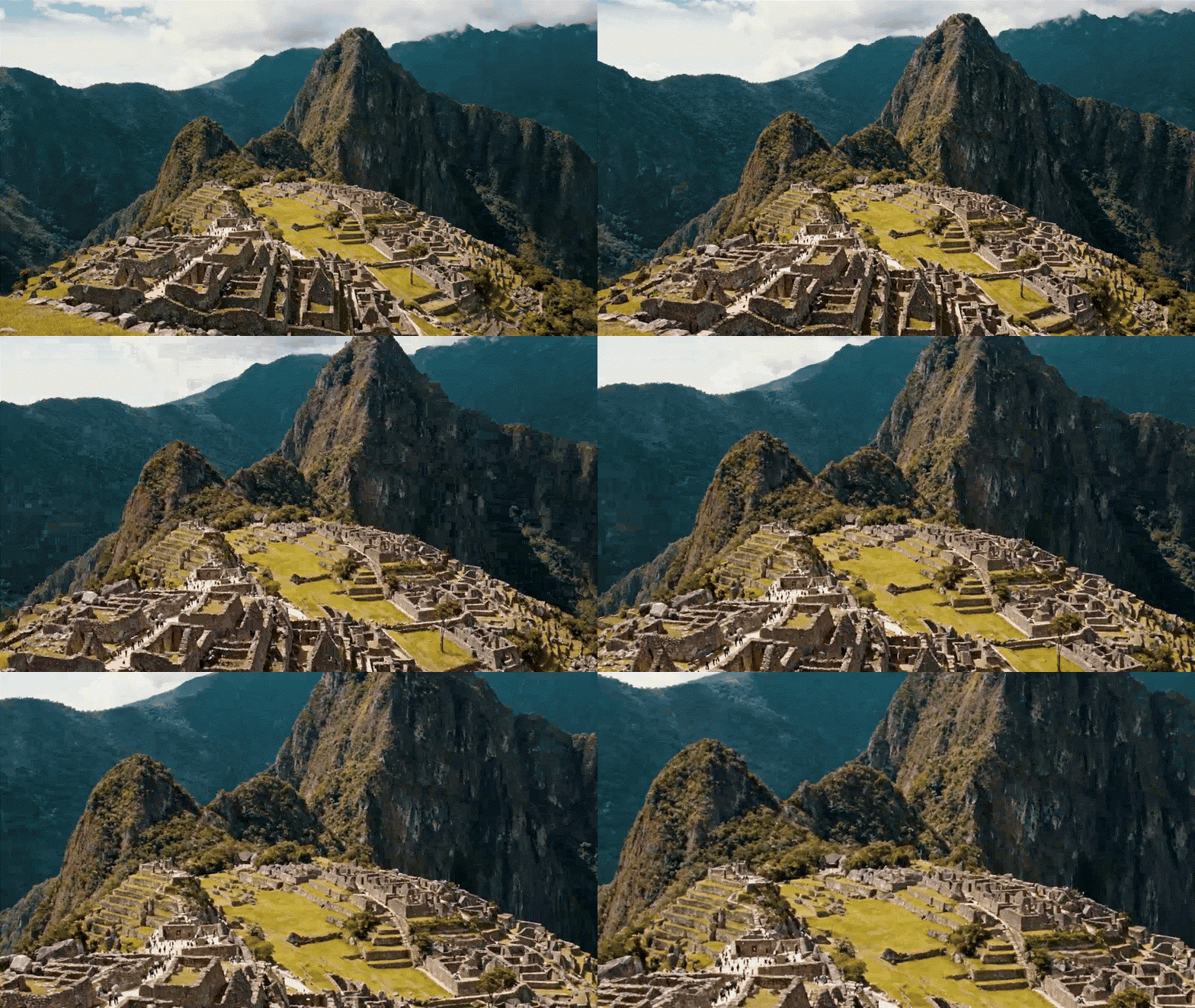
Travel Memories
Create immersive zoom in storytelling by moving from wide scenery into a landmark or detail — giving depth and presence to your travel shots.
Portrait & Lifestyle Shots
Focus in on expressions or gestures, tightening visual proximity and creating a relatable, engaging vibe.


Animation & Motion Graphics
Turn static imagery into dynamic narratives. The push‑in zoom effect mimics professional camera work, giving flat graphics depth and rhythm.
FAQs About the Slow Zoom In AI Effect
How long does it take to generate a zoom in video?
Most videos are ready in about 30 seconds, though image quality may affect processing time.
Can I make an Earth zoom in (Earth Zoom effect)?
Absolutely! Upload a satellite image or wide Earth shot, and GenApe will simulate a dramatic space‑to‑surface zoom.
What video length options are available?
You can choose 5‑second or 10‑second downloadable videos.
What file formats and sizes are supported?
Supported formats are JPG, PNG, and WebP, up to 10 MB.
Can I use the AI zoom videos on social media?
Yes — all GenApe creations are free to share on your favorite platforms!

