


360° Product Rotation
Panoramic rotation of the object, displaying the object or scene from different angles, adding visual layers.
 Requirements
Image Upload
Supported file formats: JPG, PNG, WebP
Maximum file size: 10 MB
 This template will automatically identify the subject and remove the background. Photos with clear subjects are recommended for best results.
Results Showcase
My Creations


AI 360° Product Viewer – Create Stunning Rotation Videos with Just One Image
With GenApe’s AI 360° rotation video generator, you can turn a single image into a high-quality 360-degree showcase—no filming or animation skills needed. Perfect for marketing, e-commerce, and social media. Try creating your own AI-powered 360° rotation video today.
Create Studio-Quality 360° Spin Videos with One Click
Get stunning, hyper-realistic AI 360° rotation videos in just one click—no more complicated modeling or filming. Work faster and showcase smarter.

Next-Level AI 360° Product Display
Easily create detailed, rotating product displays in any style. Ideal for ecommerce marketers looking to speed up content production with a powerful visual tool.
Cinematic 360° Rotation Videos with Seamless Motion
Turn static images into cinematic-quality rotation videos. High-resolution visuals and smooth animation make your product or idea truly stand out—no pro skills required.
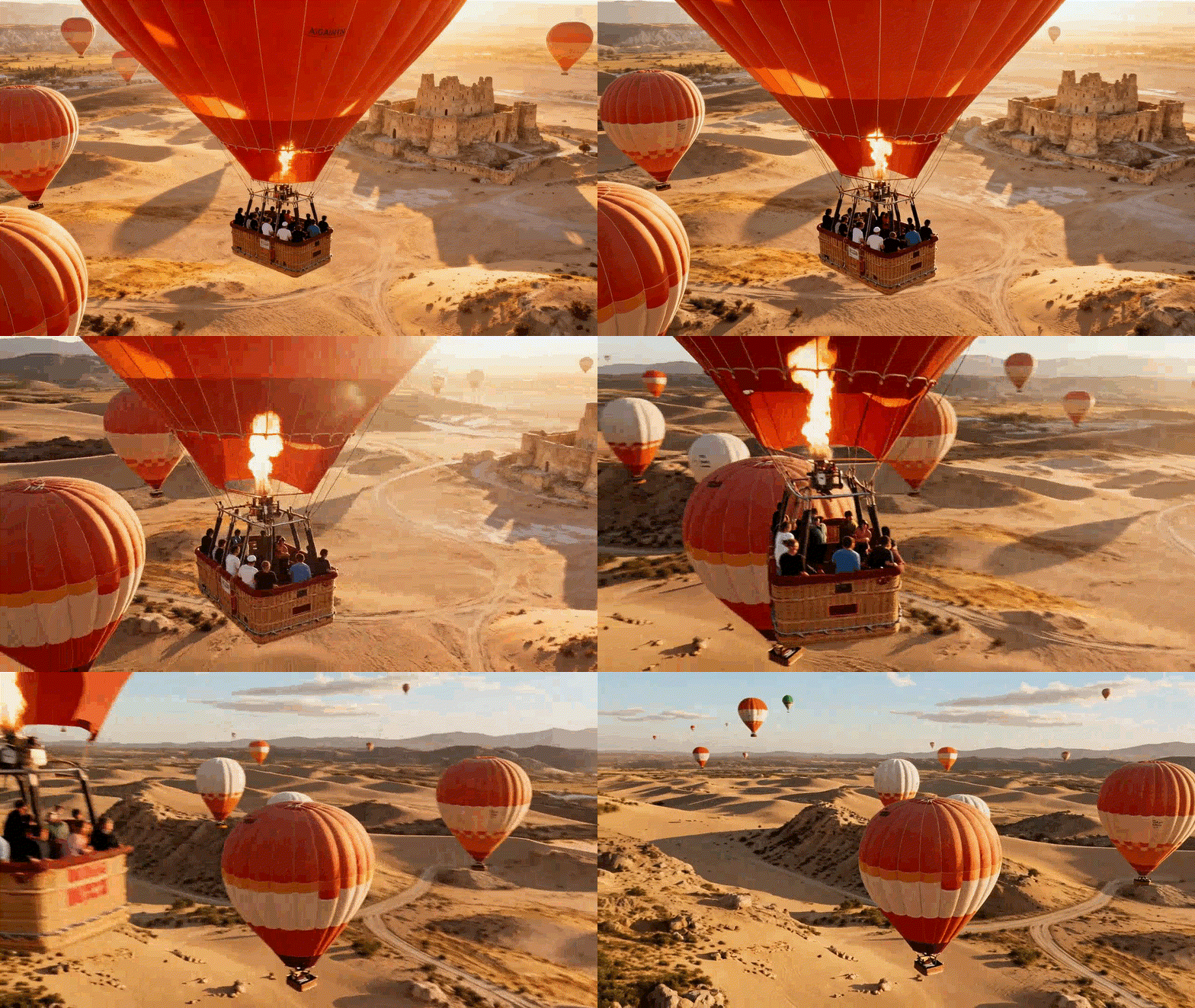

360° Videos for Business or Creative Use
Whether you're building a brand or just having fun, GenApe's AI 360° generator supports all styles and use cases—from 360° product viewer to creative video storytelling.
Ultra-Detailed AI 360° Rotation Videos in 3 Simple Steps
Just 3 easy steps to create your own custom AI 360° rotation video—no pressure, no tech background needed.

Choose the 360-degree Product Photography Template
On the homepage sidebar, select "AI Templates" and click on "360-degree product photography."

Upload a Clear Static Image
Prepare a clean image you want to turn into a 360° rotation video. Click on the bottom "Upload Image" button and select your file.

Click "Generate" and Become a 360° Video Pro
Once uploaded, just hit "Generate" and let GenApe handle the magic.
FAQs
Can I use GenApe’s AI 360° product videos for commercial purposes?
Yes! GenApe is built for marketers and ecommerce users. All images and videos generated through GenApe are commercially usable.
What should I watch out for when generating an AI 360° spin video?
Make sure your image is clear (not blurry), in JPG, PNG, or WebP format, and under 10MB in size. That’s it—one click to generate.
Do I need to prepare the image myself?
Yes, you can upload your own image. If you don’t have one ready, use GenApe’s AI image generator to create a visual in seconds.
Is GenApe beginner-friendly for video editing newbies?
Absolutely. GenApe’s AI 360° tool is built for simplicity—just 3 steps from image to video. No editing experience required.
Is GenApe’s AI 360° Rotation video generator free to use?
No, this feature is available exclusively to paid members. A subscription is required to access the AI 360° rotation generator.

