


Professional AI Video Generator: Turn Ideas into Viral Content
With GenApe's AI video creation tool, all you need is a few images or lines of text. No video editing needed—just upload and generate stunning videos in seconds.
Image Upload
Drop here or browse
Supported file formats: JPG, PNG, WebP
Maximum file size: 10 MB
The default aspect ratio for the video is 16:9. It is recommended to adjust the image size or select a similar aspect ratio before generating.
Video description
Zoom in
Light beam over product
Camera movement for lively ad
Camera glides over product
 VideoApe
Prompt ideas
Results Showcase
My Creations
See GenApe in Action
AI Text to Video: Studio-Quality Scenes from Simple Prompts
Bring your concepts to life instantly with our advanced AI video generator. GenApe interprets natural language to produce high-fidelity visuals, making it the perfect AI video maker for marketers and creators. Whether you are scaling social ads or drafting product demos, you can now make a video with AI without the steep learning curve. Experience a faster AI video creation or AI image creation workflow that delivers professional results every time.
Advanced Image to Video AI: Precision Animation for Your Brand
Elevate your static assets with GenApe’s image to video AI. Our technology analyzes visual layers to create fluid, organic motion from any photo. GenApe's AI Video Templates also helps you transform brand visuals or portraits into dynamic clips. Our photo to video AI is the ultimate tool for those who want to turn existing imagery into captivating AI generated video in seconds.
Master Your Motion with Keyframe Control
Gain total creative authority over your motion paths. Unlike basic tools, GenApe allows you to upload specific Start and End Frames. Our AI image to video technology calculates precise trajectories for logical, professional transitions. This AI to create videos eliminates visual glitches, delivering fluid, high-resolution movement—all within an intuitive free AI video generator interface.
Why GenApe is the Best Free AI Video Maker for Professionals?
We don't just animate; we create impact. GenApe is the video AI generator built for modern business needs.
Pro-Quality Output for Global Campaigns
From cinematic realism to artistic 3D renders, our AI video maker delivers 1024p+ quality with fluid 24 fps motion. To empower international growth, GenApe supports 5 major languages (English, Traditional Chinese, Simplified Chinese, Japanese, and Korean), making it the perfect video AI generator for cross-border enterprises and multicultural marketing campaigns. Ensure your brand looks premium and speaks locally on any screen.
Efficiency-First Workflow
Stop wasting hours on complex software. With GenApe, you can create video AI content in just a few clicks. It's the smart choice for busy marketers who need to make videos with AI fast.
All-in-One Hub for Creative Growth
GenApe is more than just a free AI video generator; it’s a complete content ecosystem. From high-converting AI article generator and image/video AI generators to a vast library of AI Video/Image templates, we provide everything a digital marketer needs. Streamline your workflow and scale your output with a unified platform designed for maximum efficiency.
Create AI Videos for Any Scenario
GenApe’s AI Video Generator is built to meet diverse video creation needs. Here is how you can leverage our tool to stay ahead:
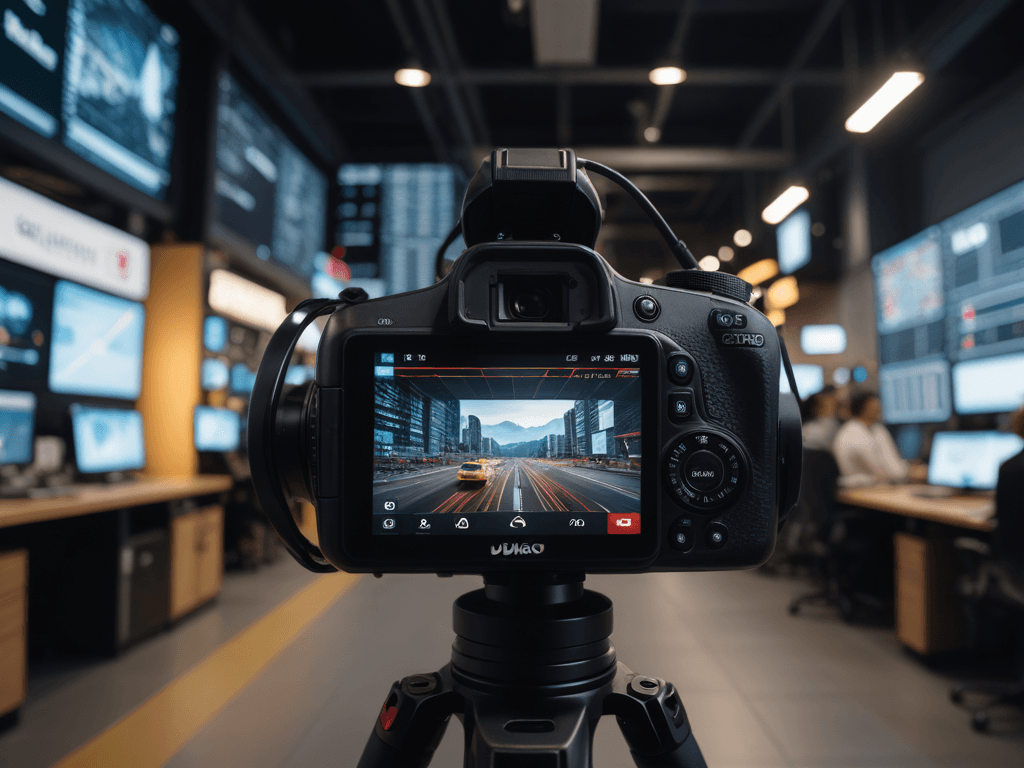
For E-commerce and Marketers
Drive conversions with high-impact product demos and ads. Scale your brand with AI-generated visuals that capture your audience's interest without breaking the bank.
For Social Media & Content Creators
Go viral on TikTok, Instagram, and YouTube. GenApe helps creators craft scroll-stopping Reels, Shorts and Stories that boost engagement and grow your digital presence effortlessly.
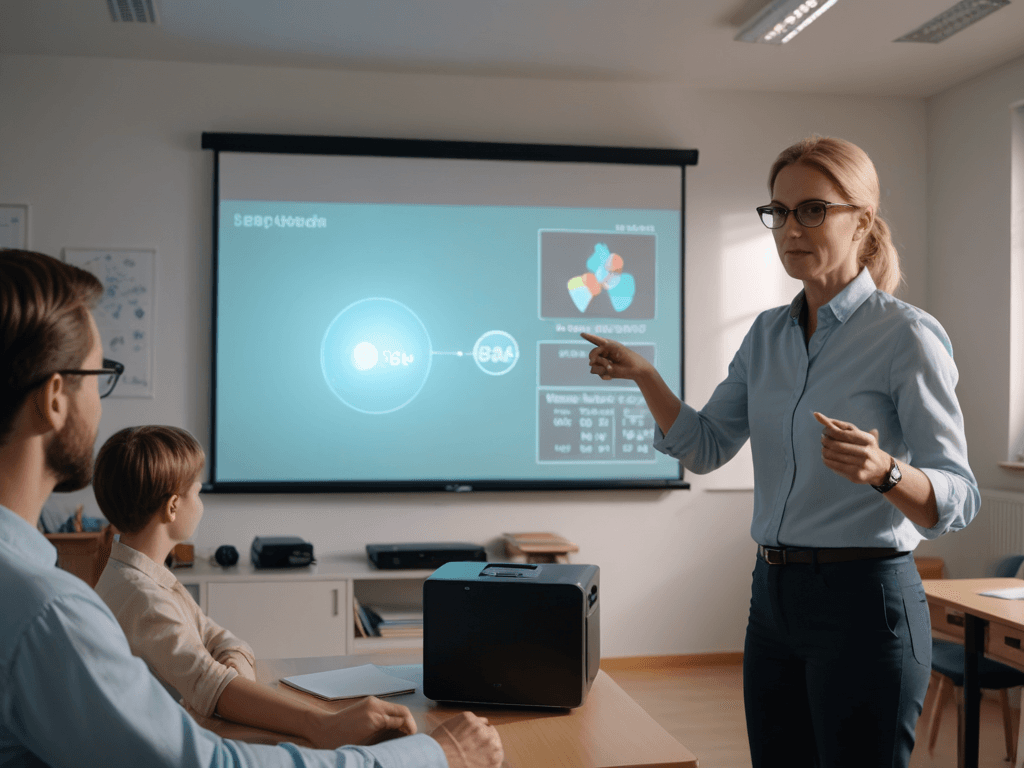
For Business & Education
Transform static slides into dynamic presentations and e-learning modules. Perfect for high-stakes pitches or interactive tutorials that make complex ideas easy to grasp.
Create Eye-catching Video with AI in 3 Easy Steps.
GenApe simplifies the AI video creation process, moving you from idea to export in record time!

Upload Assets or Enter a Prompt
Start by selecting an image to animate or use our Text to Image tool for fresh inspiration. Alternatively, just describe the action you want to see in your video.

Generate the AI Video
Click the "Generate Video" and watch as GenApe’s video AI generator processes your request. Our engine handles the heavy lifting, creating high-quality animation without any manual effort.

Preview and Download
Once your AI generated video is ready, preview the motion and download it instantly. Your content is optimized and ready to dominate social media or your next marketing campaign.
AI Video Generator FAQ
What is the best AI Video Generator?
GenApe is the best free AI video generator, using advanced deep learning to create video with AI from text prompts or static photos. It serves as a powerful image to video AI that instantly produces smooth, realistic AI generated video, making it the ultimate free AI video maker for effortless creation.
Can I use the AI Video Generator free?
Yes, but to ensure service quality, we provide free users with one video generation experience quota. If you have more needs, you can upgrade your plan to enjoy a better video generation experience.
Does video generation consume credits?
Yes, video generation uses credits. For instance, a 3-second MiniVideo costs 120 credits. Subscribers enjoy better generation limits and faster processing times.
What types of videos can I create?
With GenApe’s AI video generator, you can create videos for a variety of uses, including social media, advertising, product showcases, and personal content.
What file formats are supported for videos?
The videos generated by GenApe are available for download in popular file formats, making it easy to share and upload to your desired platform.
How long are the videos created by the Video AI Generator?
Currently, GenApe’s AI video generator creates 3-second videos, while Subscribers can generate up to 5-second videos.
Do I need to use images to create videos?
No, you can generate videos with prompts only, and you can still use images to create videos. If you want to generate images first, Image Generator is the place to fulfill your dreams.
Can I edit the video after it’s created?
Once the video is generated, you can preview and download it. For further editing, you can use external video editing tools.
Are there any restrictions on images for AI video maker?
The AI Video Generator supports file formats like JPG, PNG, and WebP, with a maximum size of 10MB.
Does making a video AI from text require a detailed description?
With AI in video generation, you only need a simple description of the video content to create the video. For richer AI and video content, you can provide a more detailed description to enhance the output. This version incorporates the requested keywords while keeping the message clear and relevant.
What aspect ratios can I expect from the AI video creation ?
AI video generator supports multiple aspect ratios, so you don’t need to worry about video distortion caused by mismatched dimensions. You can also adjust the image size before generation or select an aspect ratio similar to the image in the upload section.
How does GenApe protect my data and privacy?
At GenApe, your privacy isn't just a feature—it’s our top priority. We adhere to enterprise-grade confidentiality standards, ensuring that your uploaded data and private projects are never exposed or shared with third parties. With industry-standard encryption securing every connection, we provide a safe workspace so you can focus on what matters most: your creative workflow.
Does GenApe have restrictions on NSFW content?
Yes. To maintain a safe and professional environment, we’ve implemented a robust content safety framework. Our system utilizes real-time AI detection coupled with proactive manual audits to block NSFW or adult-oriented generation. These guardrails ensure the platform remains a reliable tool for business projects and social media growth alike.

