


Free AI Image Generator:Turn Your Words Into Stunning Art in Seconds
Creating AI-generated images has never been easier! With GenApe's free AI photo generator, simply type a prompt or upload a photo to generate amazing visuals instantly.
 ImageApe
Negative prompt
Public Images
Prompt ideas
Results Showcase
My Creations

The individual in the image is wearing a camouflage jacket, a white shirt, and black jeans. They have short dark hair and are wearing glasses. The person is standing in front of a gray concrete wall, with their hands in their pockets. They appear to be in an urban setting, with a paved surface visible in the foreground.
A spacious bathroom with gray marble tile flooring, light-toned walls accented by a darker feature wall, a large freestanding bathtub at the center, an expansive built-in wardrobe nearby, minimalistic and modern design, soft natural light filtering through a frosted window, calming color palette with subtle contrasts.
A slender blue whale gently sways as it travels through meteors with an orange cat.
A comic-style scene composed of multiple panels: a male character speaking in the top-left, a female character using a weapon in the top-right, and battle interactions in the lower panels, with an overall action-focused atmosphere.
Design a travel-themed event poster titled 'Team Activity Plan' and include people and food to create a joyful atmosphere.
Xiaoya is a lively and charming high-school girl with a slim, fair appearance and smooth, flawless skin. Her body lines are graceful and elegant, with bright eyes, long eyelashes, a high nose bridge, and glossy lips. She loves youthful JK-style uniforms with over-knee socks, while also enjoying short skirts that pair naturally with the same style.
Heli-skiing in New Zealand.
A black coffee package box with brand logo and icons, several coffee sachets inside, with a coffee pot, a fresh cup of coffee, and scattered coffee beans on the table, presenting a carefully designed product showcase.
A golden humanoid statue with an Ethereum coin as the head, wearing a gold suit in a golden cityscape with sparkling light. Blend technology and finance, emphasizing Ethereum's status as digital currency. Make the coin-head anthropomorphic with eyes, nose, and mouth.
A group of women from a primitive rainforest tribe stand in dense jungle vegetation, holding spears and wearing fur outfits. Long dark hair, wild natural surroundings, and a campfire scene create a raw survival atmosphere.
GENERATE 1894 - Hildebrand & Wolfmuller motorcycle, panoramic view, green background, head-right parking.
A steaming bowl of bakso, with slight camera shake to increase realism.
A semi-realistic digital collage-style illustration that blends cultural symbols representing Taiwan. The image features a classic Western business suit floating next to colorful Taiwanese Indigenous patterns (weaving, embroidery) and Han Chinese traditional fabric swatches (like cloud patterns and knot buttons). A soft urban skyline of Taipei is visible in the background. Each element is connected with glowing lines or subtle brush strokes. Text labels saying 'Culture', 'Diversity', and 'Identity' float elegantly in cursive font. Use a neutral beige gradient background. Soft lighting, muted color palette with bright accents. Composition is symmetrical with balanced spacing between elements. Style is semi-realistic with painterly texture.
Six alphabet teddy bears enjoy a meal in a five-star hotel with a view of the Eiffel Tower.
A vibrant recruitment poster featuring five sections for text, set against a futuristic city skyline at dusk, illuminated by neon lights, the foreground showcases a diverse group of young professionals with a blend of tech gadgets and magical elements, their expressions reflect excitement and ambition, the overall color tone is a mix of electric blues, purples, and hints of gold.
A half-body portrait of a male Chinese ninja, at an angle of 45 degree, wearing a straw hat, holding a long sword in his left hand, around 35 years old. set against a warm, golden-hued desert landscape at dusk, with a small thatched hut in the background, soft shadows cast by the fading light.
A full-body portrait of an Asian woman with fair skin, standing confidently against a soft, pastel-colored background, gentle sunlight filtering through, highlighting her features, wearing a flowing, elegant dress that complements her figure, a serene expression on her face, surrounded by delicate floral accents for a touch of femininity.
Why Creators & Brands Love GenApe AI Art Generator
Turn your words into stunning visuals with the GenApe AI image generator. These four powerful features make it easier than ever to create high-quality images using AI—no skills or experience required.
1. Describe It. See It.
Skip the complicated prompts. Just type what’s in your head—like “neon cyberpunk city”—and our advanced AI engine captures your exact vibe instantly. Our smart engine interprets your intent to create AI images that match your vision perfectly. It is the ultimate free AI image generator for designers and beginners alike.
2. Endless Artistic Styles at Your Fingertips.
From hyper-realistic photography and 3D renders to classic watercolors. Customize aspect ratios and details to match your unique creative vision.
3. Commercially Safe & Ready to Use.
Built for professionals. Generate high-resolution, commercially licensed visuals perfect for marketing campaigns, websites, and product packaging.
4. Match Your Brand's Exact Style.
Upload a reference photo, and our AI will mirror the composition and tone. Keep your visual identity 100% consistent across every project.
Top 4 Features of the GenApe AI Image Generator
The GenApe AI image generator combines powerful AI models with a user-friendly interface to turn your ideas into visuals within seconds. Whether you're a designer, marketer, or content creator, you can take advantage of these four core features to efficiently produce high-quality, commercial-ready AI images.
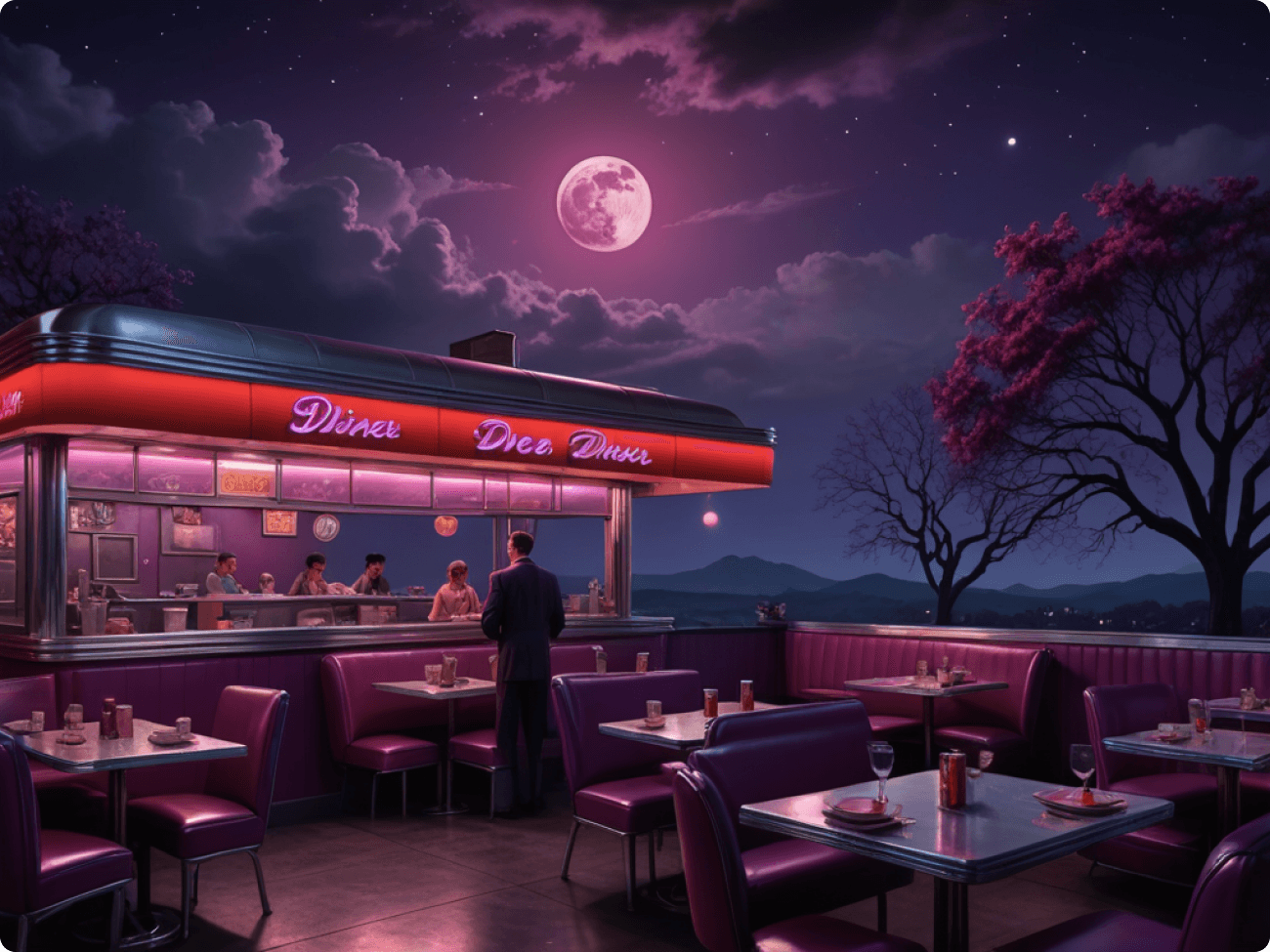
Prompt: A 1950s American diner depicted on a moody romantic night with orange and purple lights. The moon casts a colorful glow above the scene.
Text to Image Generator: Create AI Images Instantly
Simply input a prompt and let GenApe's free AI image generator transform your words into stunning visuals. Ideal for illustrations, marketing assets, and social media, this tool helps you create AI images directly in your browser—no installation required.
Image-to-Image: Create AI Images with Consistent Style
Upload a reference photo to guide the AI image generator. It mirrors the style, tone, and layout to produce cohesive visuals—perfect for maintaining consistency across branding series or concept sketches.
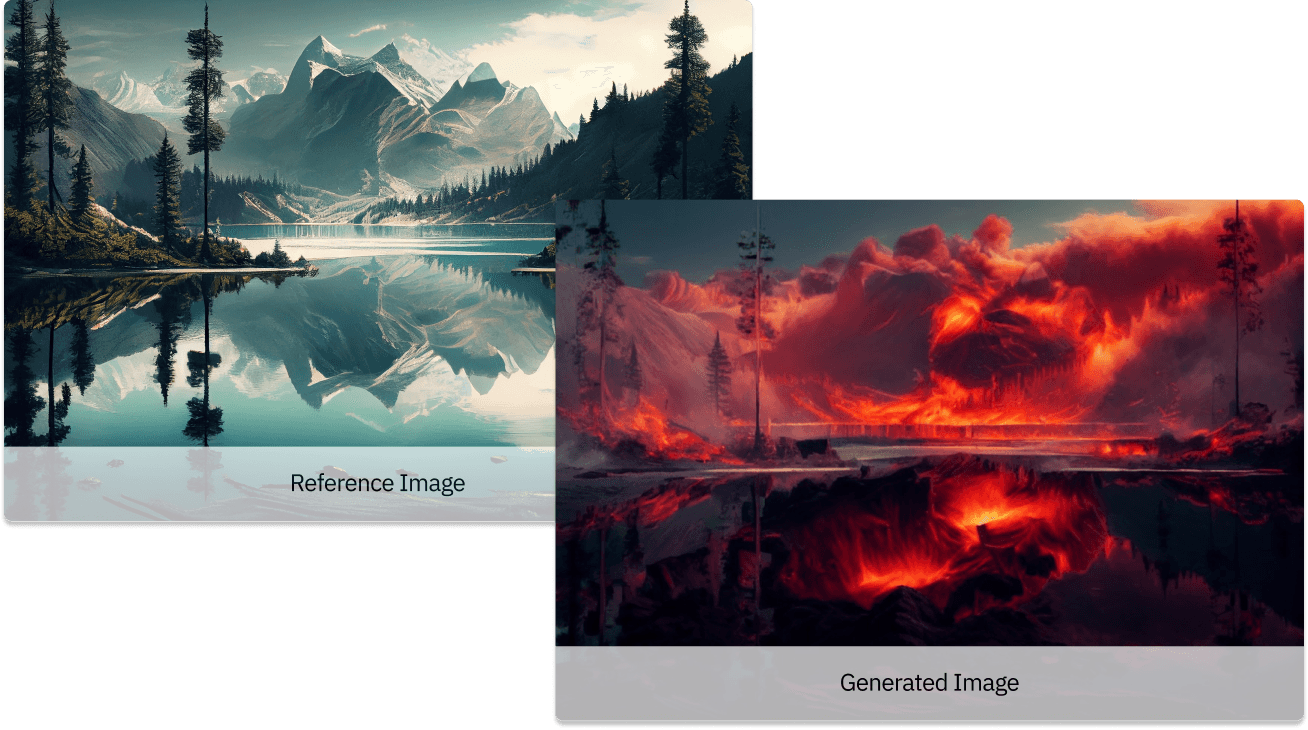
Prompt: In the distance, a volcano is erupting with flames.
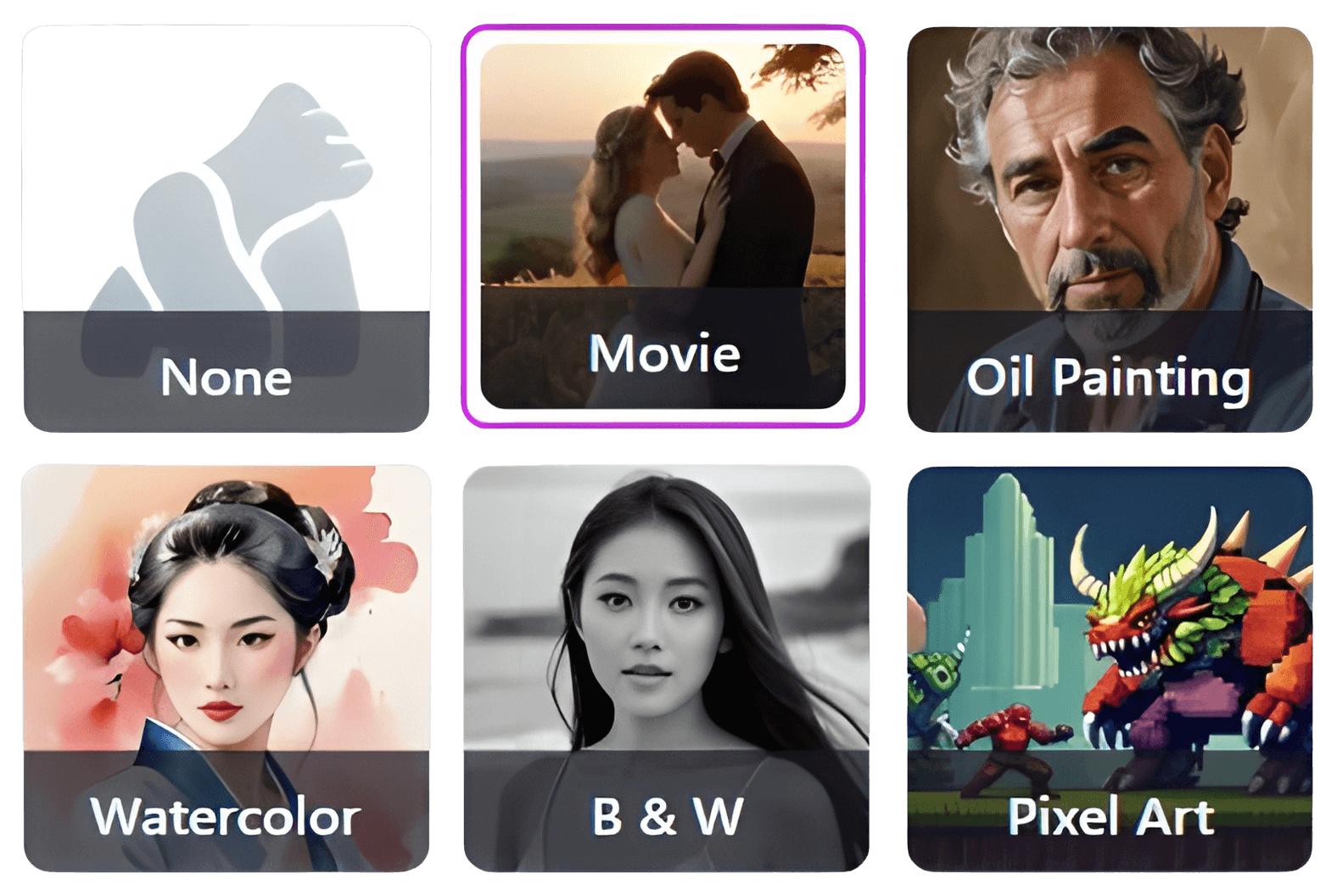
Style Customization: AI Artwork Generator with Diverse Styles
From pixel art and watercolor to black-and-white sketches, GenApe covers it all. This free AI image generator lets you create AI images tailored specifically to match your unique creative vision.
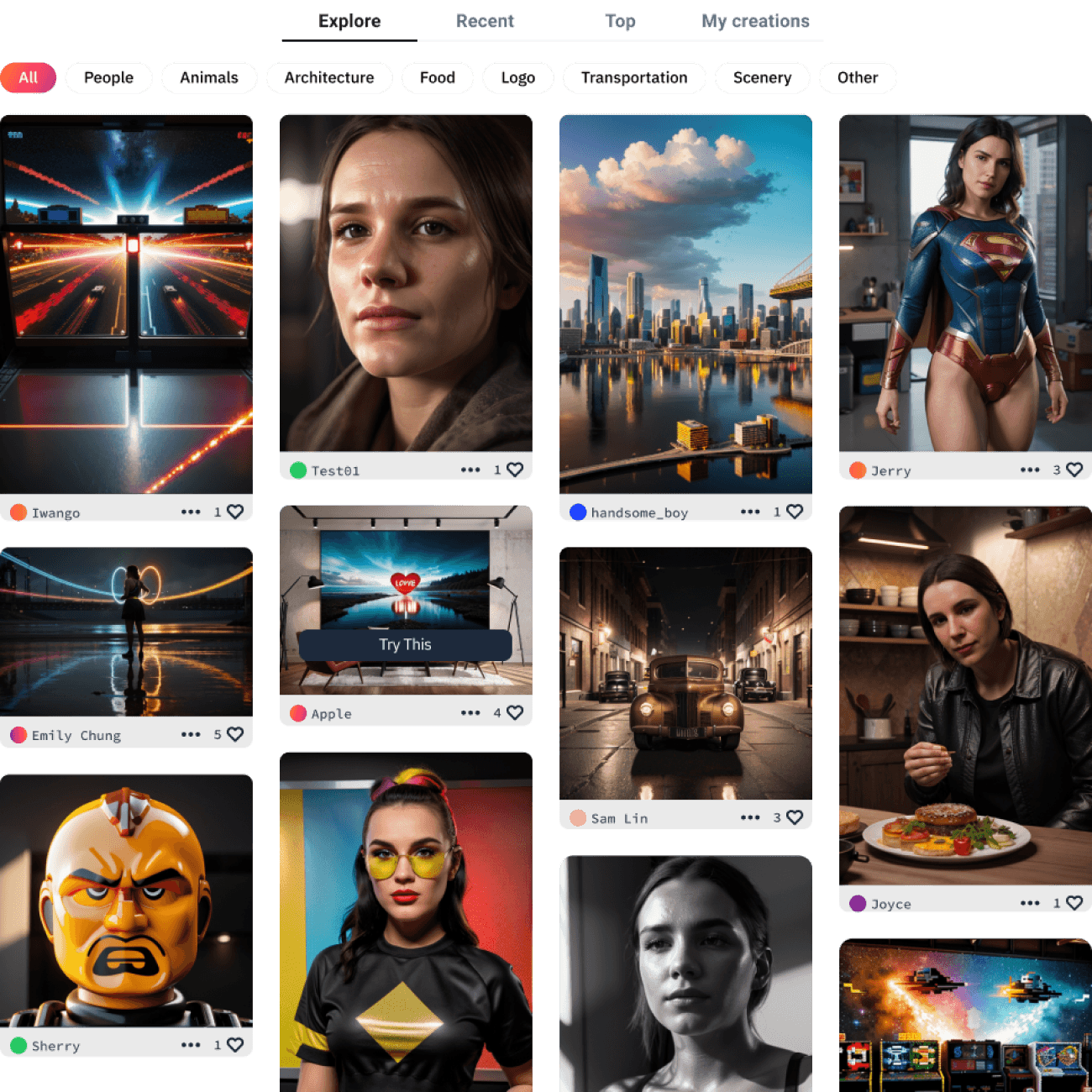
Inspiration Gallery: Explore AI Generated Images
Need ideas? Browse the AI picture generator showcase to see stunning community creations. One-click remixing lets you adapt proven prompts to create AI images with your own unique twist.
Create Masterpieces with GenApe AI image Generator in 3 Simple Steps.

Step 1. Type Your Vision
Enter a simple text prompt or upload an image as a guide.

Step 2. Tweak the Vibe
Choose your art style, set the aspect ratio, and add negative prompts to filter out what you don't want.

Step 3. Generate & Download
Hit generate and watch the magic happen in seconds. Download your high-res asset and share it with the world.
Versatile Use Cases: From Art to Industrial Design
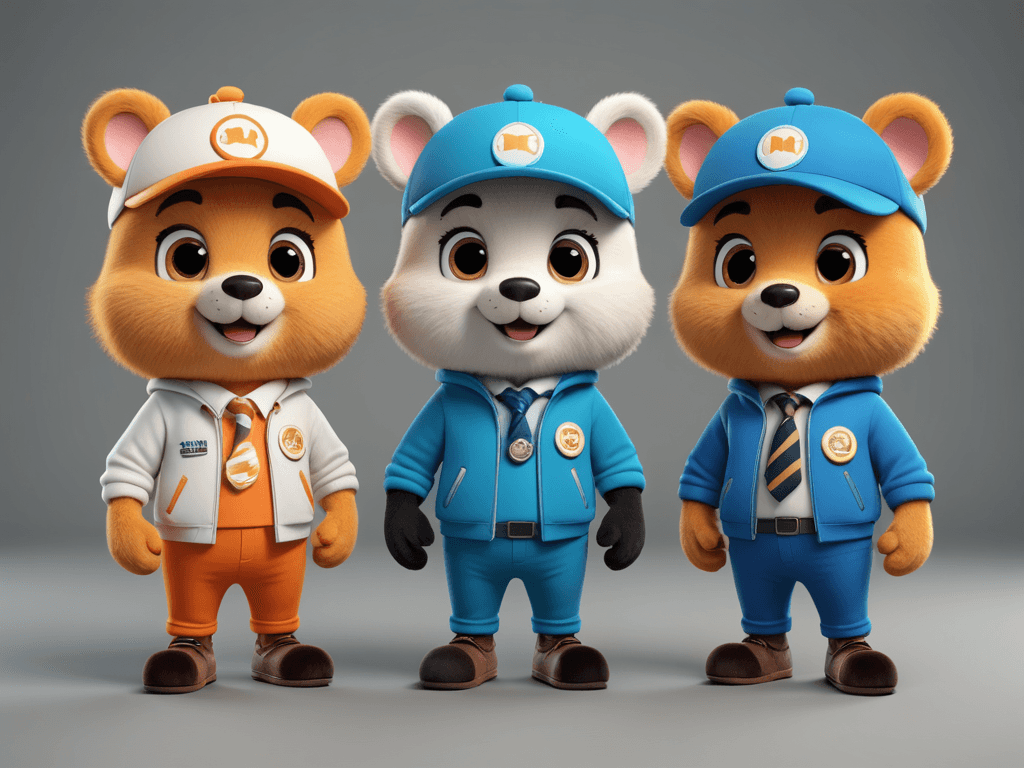
Concept Art: Pitch Ideas Faster.
Communicate your vision to clients or stakeholders instantly. Replace hours of manual sketching with seconds of AI generation.
Whether you're using a text to image AI or an AI graphic generator, GenApe breaks down communication barriers and accelerates your creative workflow.
Design & Illustration: Visualize Concepts with AI Graphic Generator
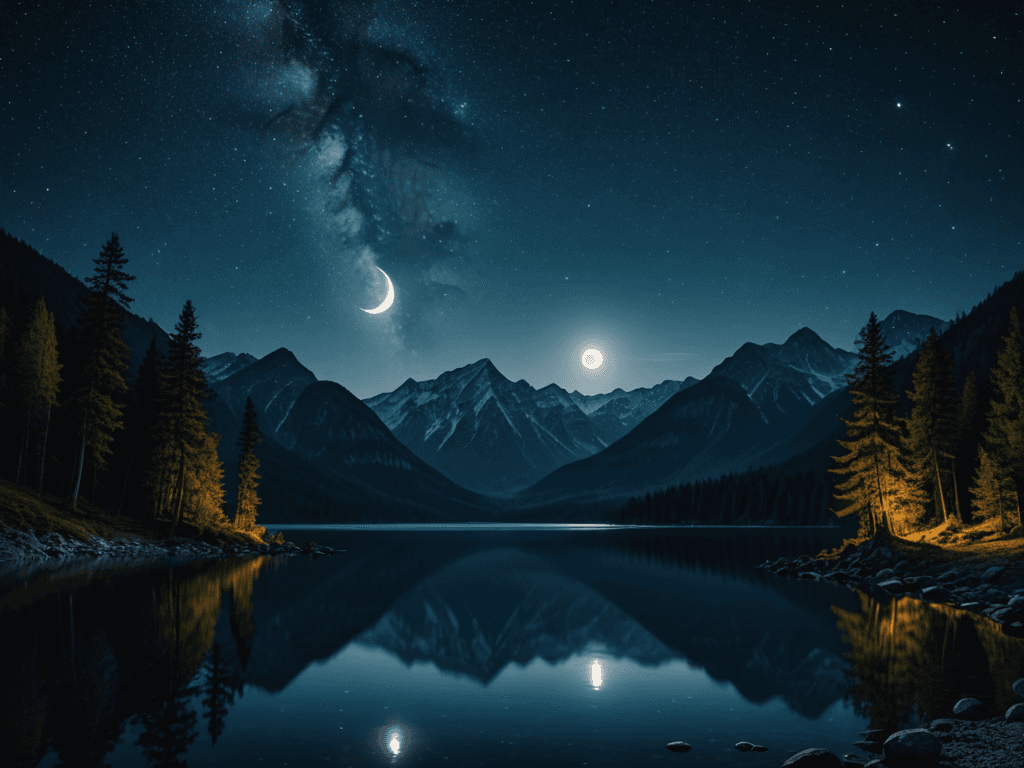
Designers and artists can create AI images, brand visuals, and digital art instantly. With precise text to image AI controls, it is effortless to turn simple descriptions into polished assets that match your signature style.
Social Media: Stop the Scroll.
Boost engagement and slash your design time in half. Create viral-worthy posts for Instagram and TikTok effortlessly.
Industrial Design: Precision Concept Sketching
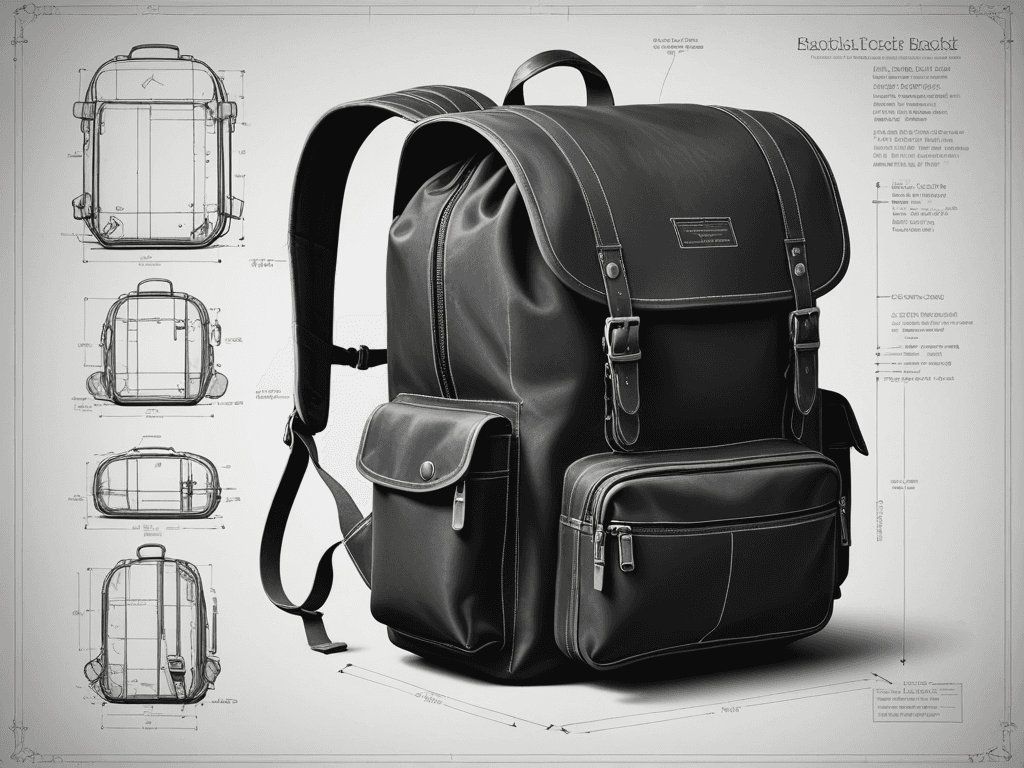
Ideal for detailed line work and technical illustrations, GenApe empowers professionals to visualize concepts for automotive, consumer electronics, and mechanical components. Streamline stakeholder communication and accelerate your design iteration cycles.
3 Pro Tips to Generate AI images
Master these 3 essential tips to improve image quality and creative precision—whether you're designing illustrations, product visuals, or social media content, you'll get faster and more accurate results using a powerful AI image generator.
1. Master Prompt Specificity
Granularity drives quality. Swap vague concepts for descriptive precision. Try detailed prompts like: "A futuristic floating city constructed of glass and steel, featuring flying cars against a starry cyberpunk night sky."
2. Leverage Image-to-Image Capabilities
Upload reference assets to guide the AI. GenApe analyzes composition and style to generate cohesive visuals—essential for maintaining consistent brand identity across series artworks.
3. Refine Output with Negative Prompts
Eliminate artifacts like blur or distortion by defining what to exclude. GenApe’s negative prompting tools ensure high-fidelity, polished results, giving you full control over the final composition.
GenApe AI Image Generator FAQ
How many credits does it take to generate an AI image?
Generating one image requires 15 credits. Free users can generate up to 8 high-quality images.
Is GenApe’s AI Image Generator free?
Yes, users can generate images for free as long as they have enough tokens. New users get 20,000 tokens upon signing up for a free trial.
Can I use AI-generated images for commercial purposes?
Yes! If you are on a paid subscription or use purchased credits, you own full commercial rights to the images you generate. They are yours to use for ads, merch, and more.
What file formats are available for AI-generated images?
Images are available for download in PNG format.
How do I improve the quality of my AI-generated images?
To get the best results, ensure your prompts are clear and specific. Additionally, refining the description and adjusting advanced settings such as style and size can help improve image quality.
Can I create images based on existing photos?
Yes! You can upload reference photos to the AI image generator for more accurate results. The tool uses these images to generate new visuals that align with your reference.
How long does it take to generate an AI image?
Once you click “Generate”, your AI image will typically be ready within a few seconds.
Can I edit AI-generated images after creation?
While you can’t directly edit images within the generator, you can refine your prompt and generate new variations. Alternatively, you can edit the images outside the tool once downloaded.
What types of art styles can I choose from in the AI image generator?
GenApe offers a wide variety of art styles, including cinematic, oil painting, pixel art, ink, and more. Select the style that best suits your project’s needs.
How can I generate multiple images at once?
You can specify how many images you want to generate in the advanced settings before clicking “Generate”. This allows you to create multiple variations quickly.
What are tokens, and how do I use them?
Tokens are the credits needed to generate images. Free users get 20,000 tokens upon signing up, and additional tokens can be purchased for extended use.
How do I unlock all the features of the AI image generator?
Subscribe to unlocks all styles, higher-quality images, and commercial-use rights. It also provides more tokens for generating images.
Read about AI Images and AI tools
Discover AI Image Generator Free Choices
If you're looking to create AI images, explore the best AI images with free AI image generators, such as AI face swap, AI background generator, and tools to unblur images.
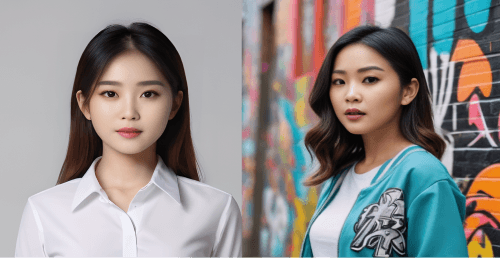
Unleash Your Creativity with AI Image Generator
Professional, fast and free

